App development lifecycle
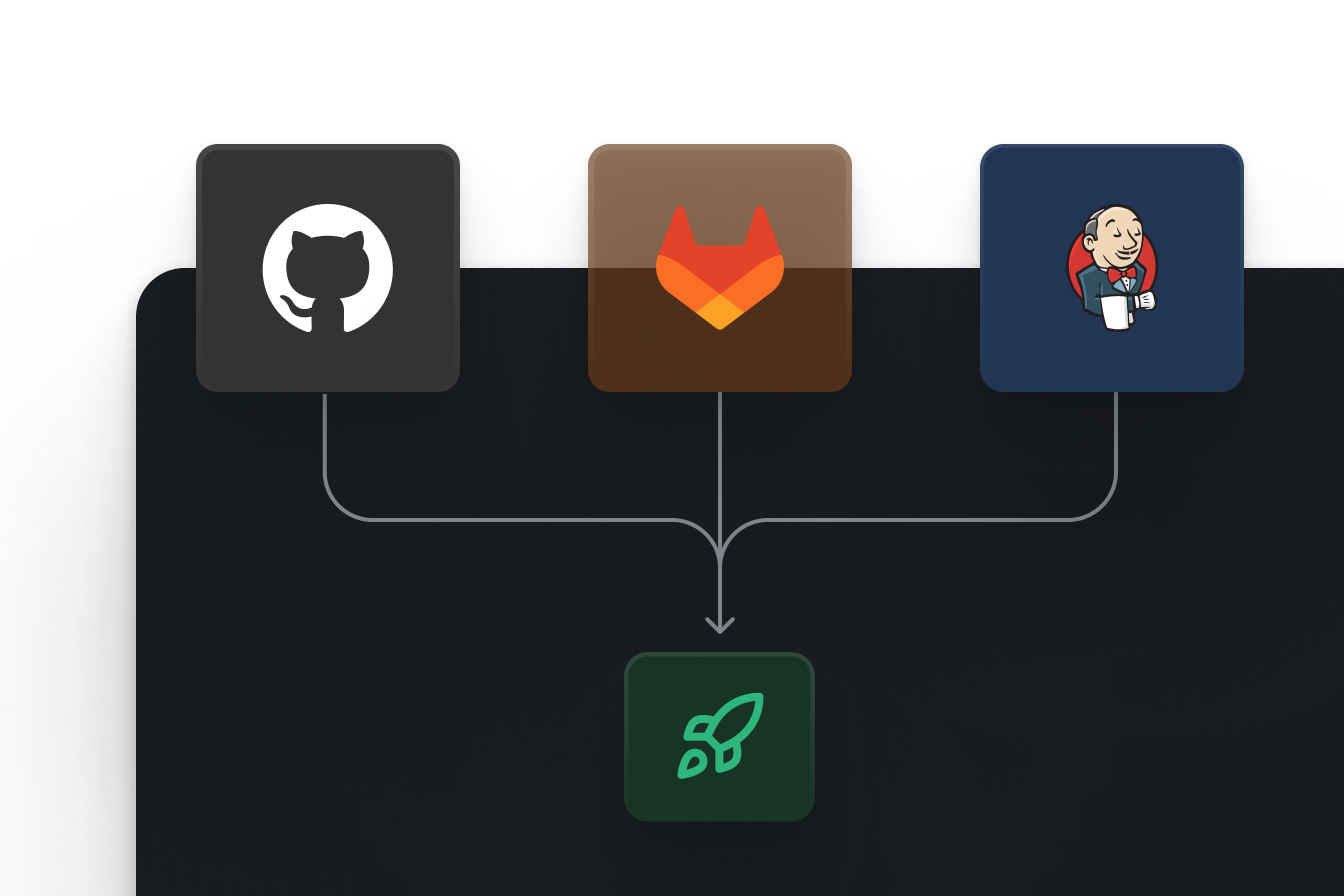
Build, test and release internal apps with version control, separate environments and GitSync. Connect Enterprise CI/CD APIs to your existing pipeline and configure the review process your organization requires.




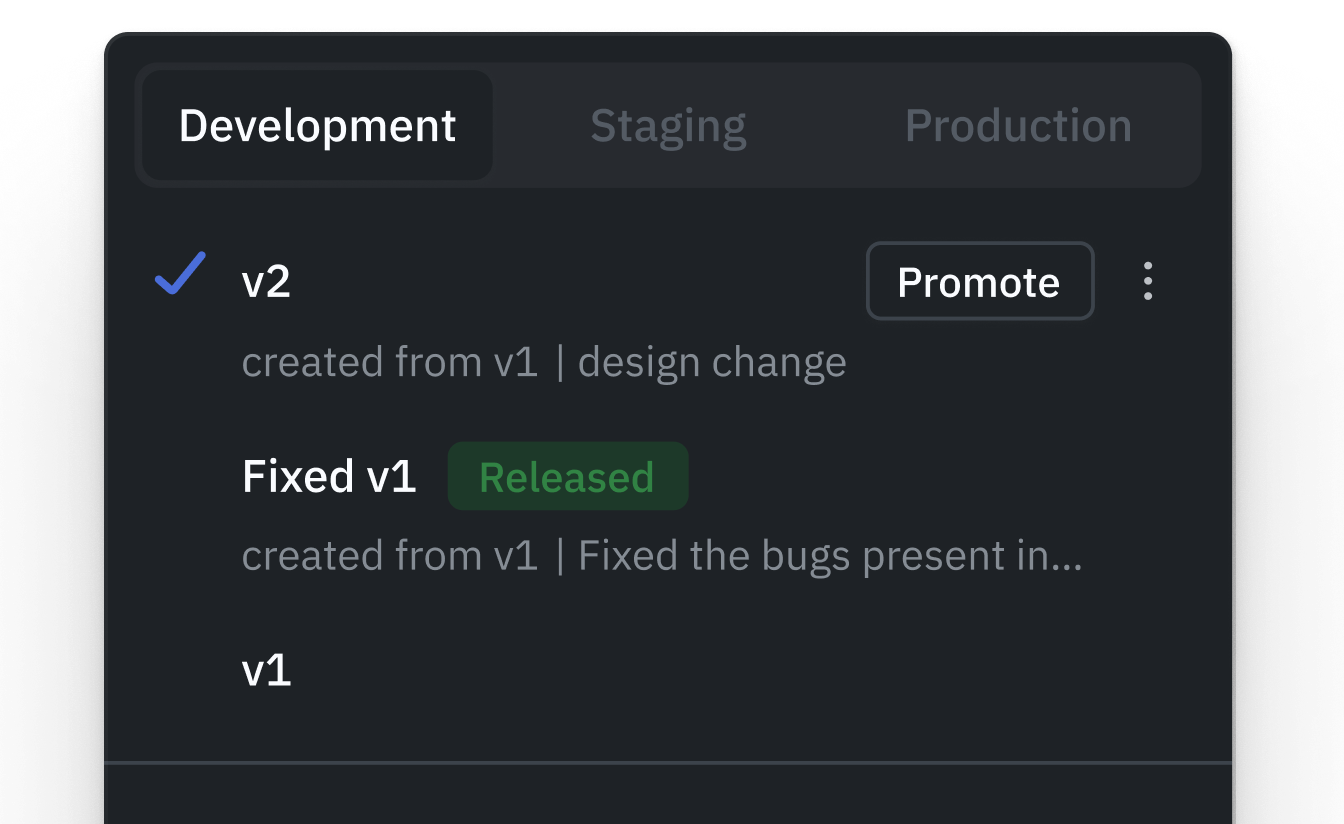

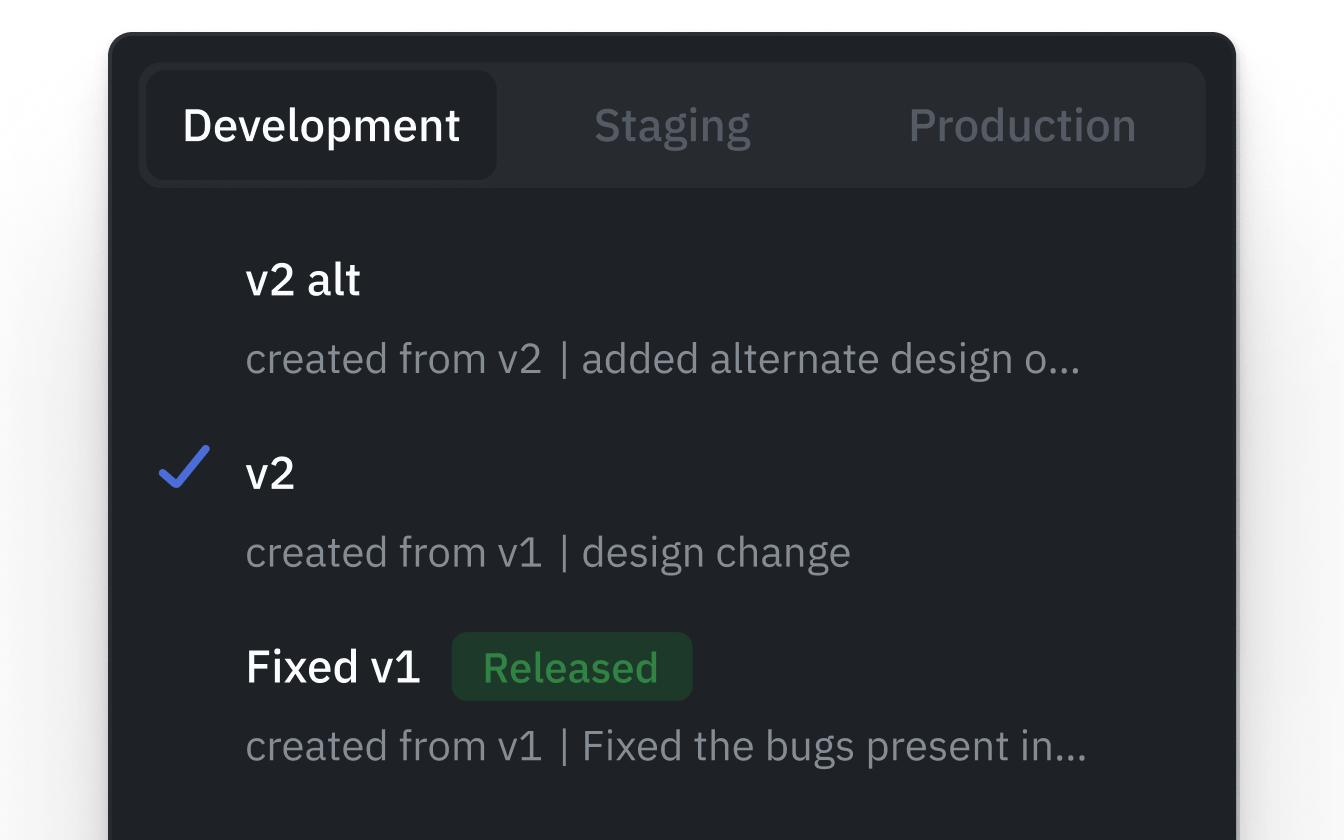

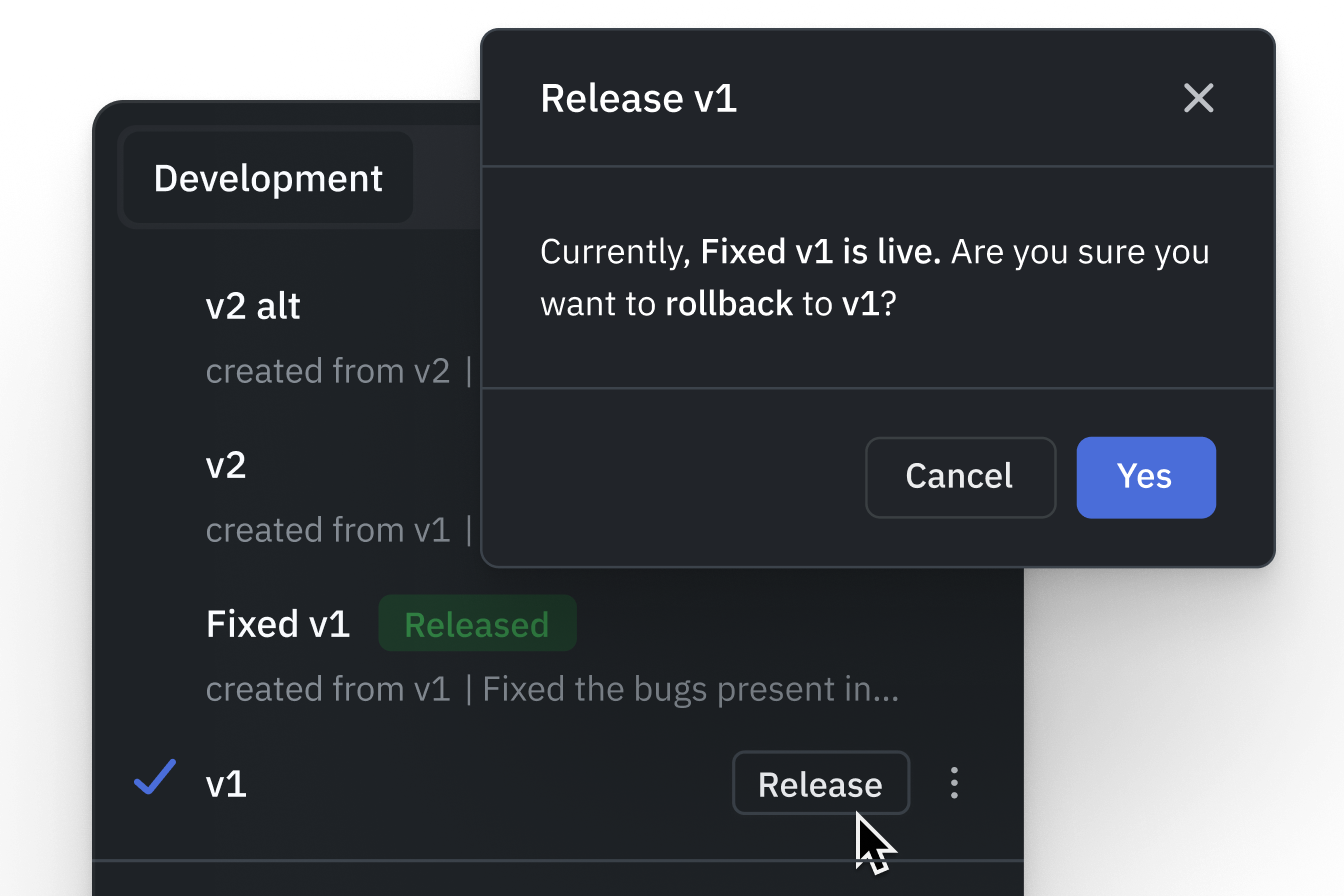


Multi-environment management
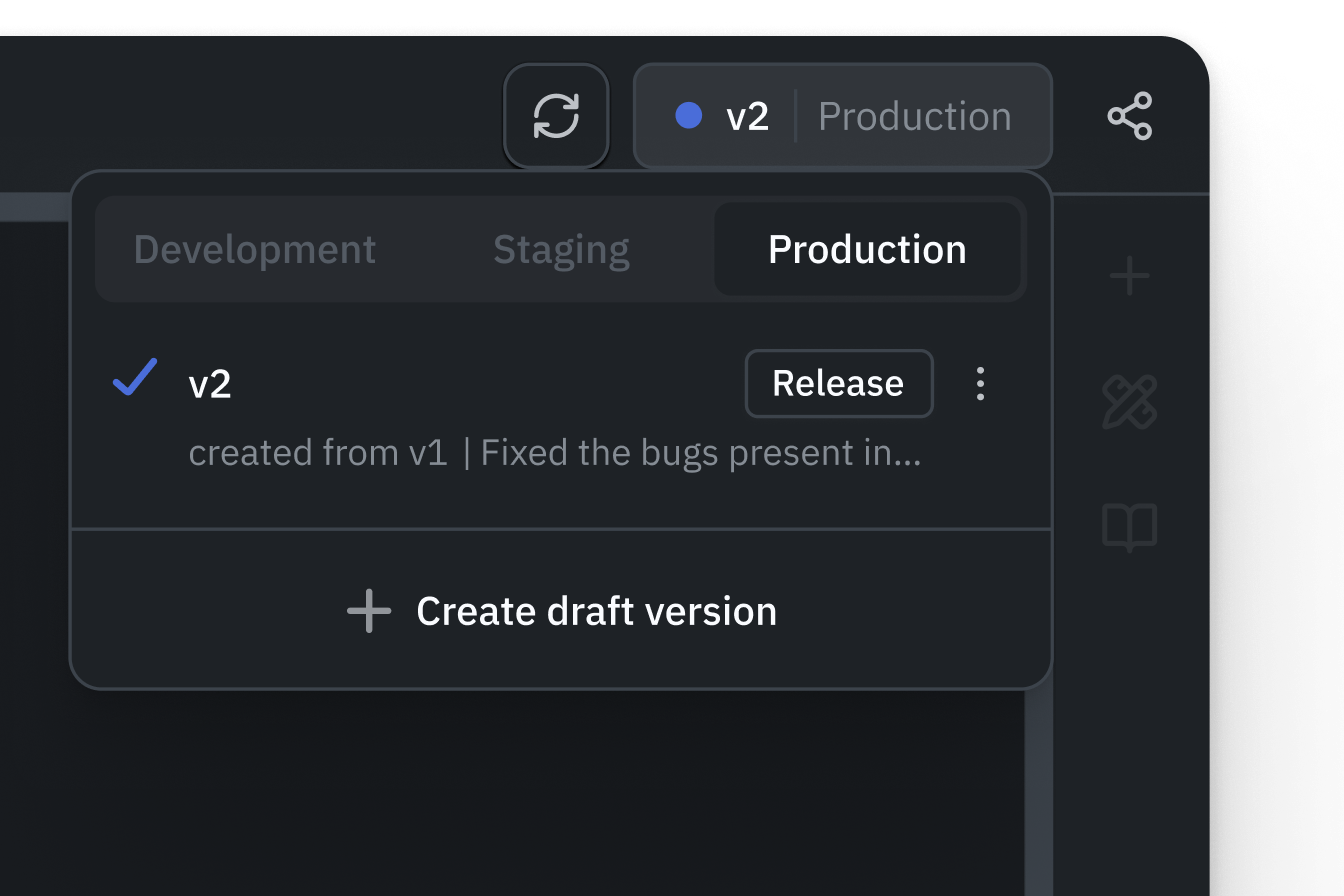
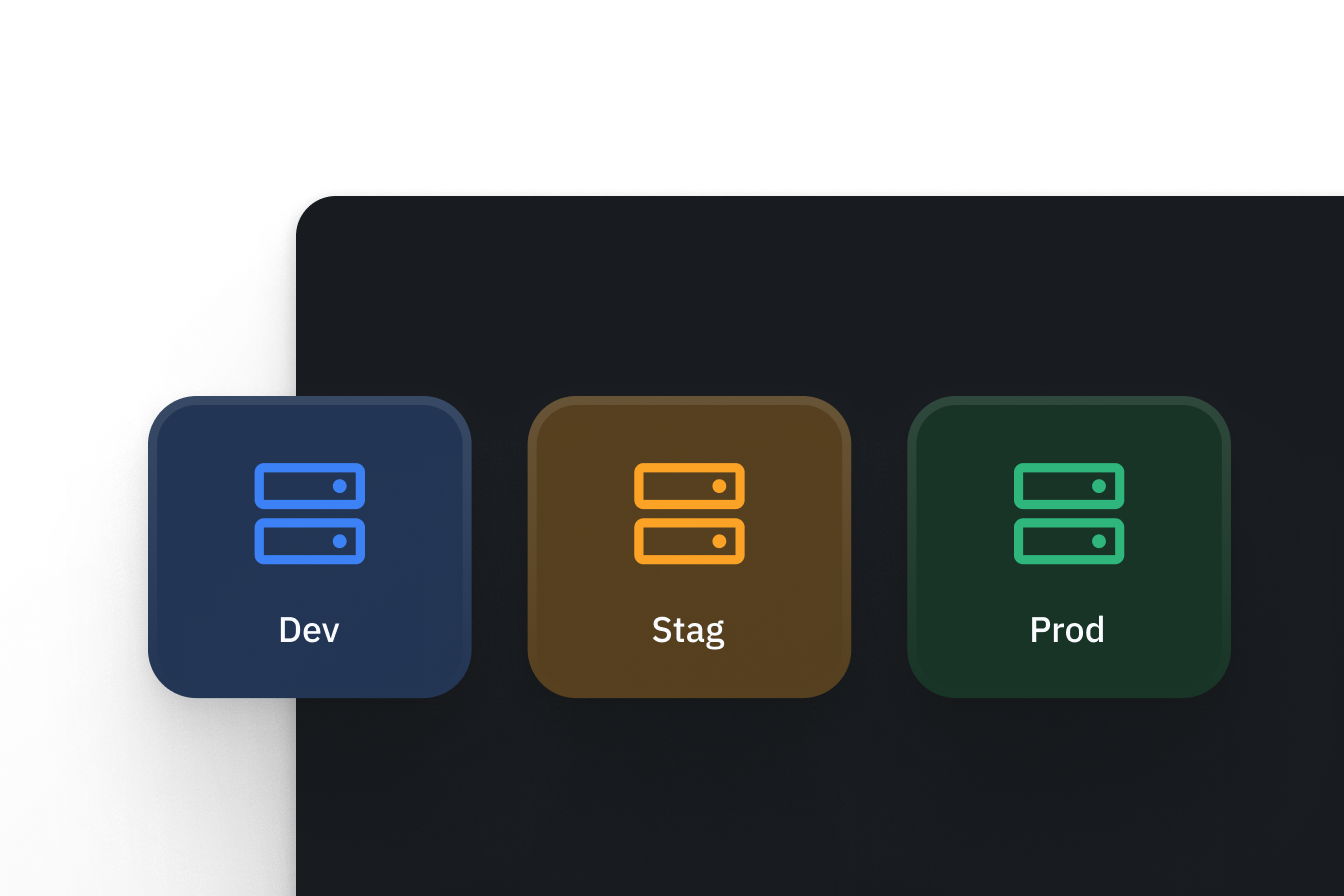
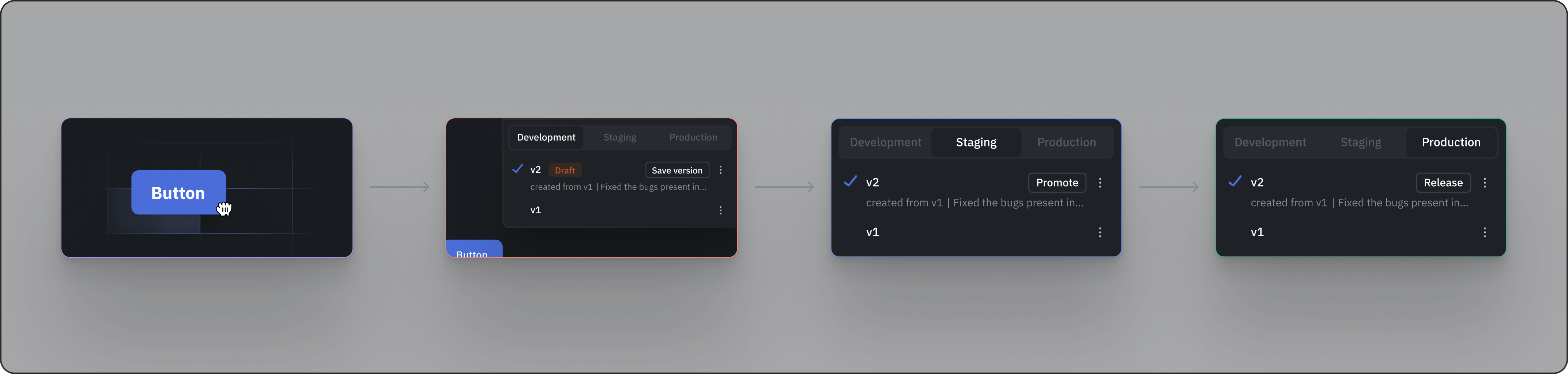
Development, Staging, and Production use separate data source connections and workspace constants within one deployment. Multiple environments are included in Self-hosted Team and Enterprise, and Cloud Enterprise. Compare plan availability.
Development
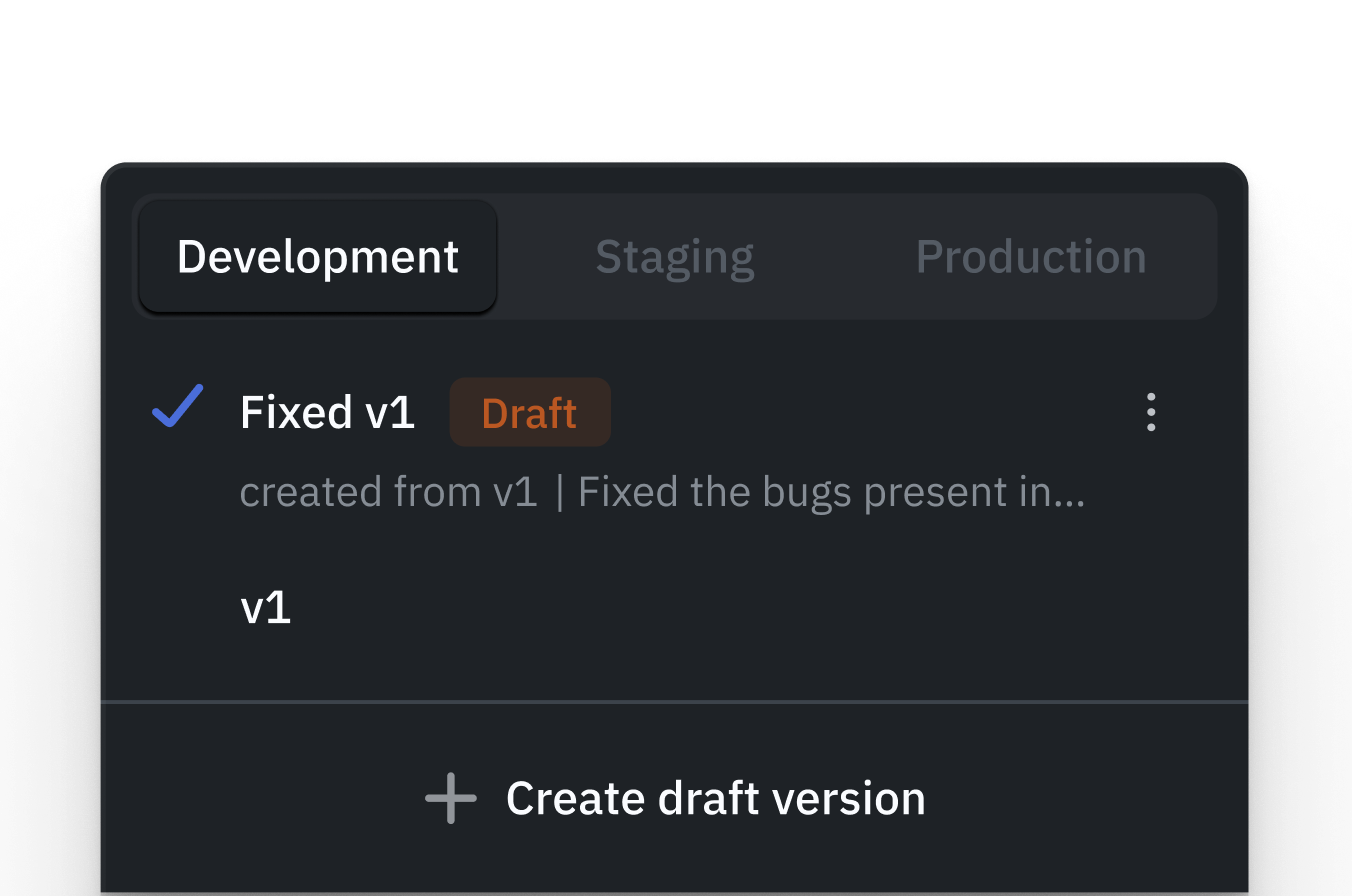
Build and edit draft apps using development databases and APIs. Configure separate credentials and test data so development queries do not write to production systems.
Staging
Validate a saved app version with staging data before release. App definitions cannot be edited here; authorized users can still run queries, so check data-source permissions.
Production
Promote the tested version to Production, verify its connections, and release it to end users. Restrict environment access and promotion permissions to authorized roles.
Environment-Specific configuration
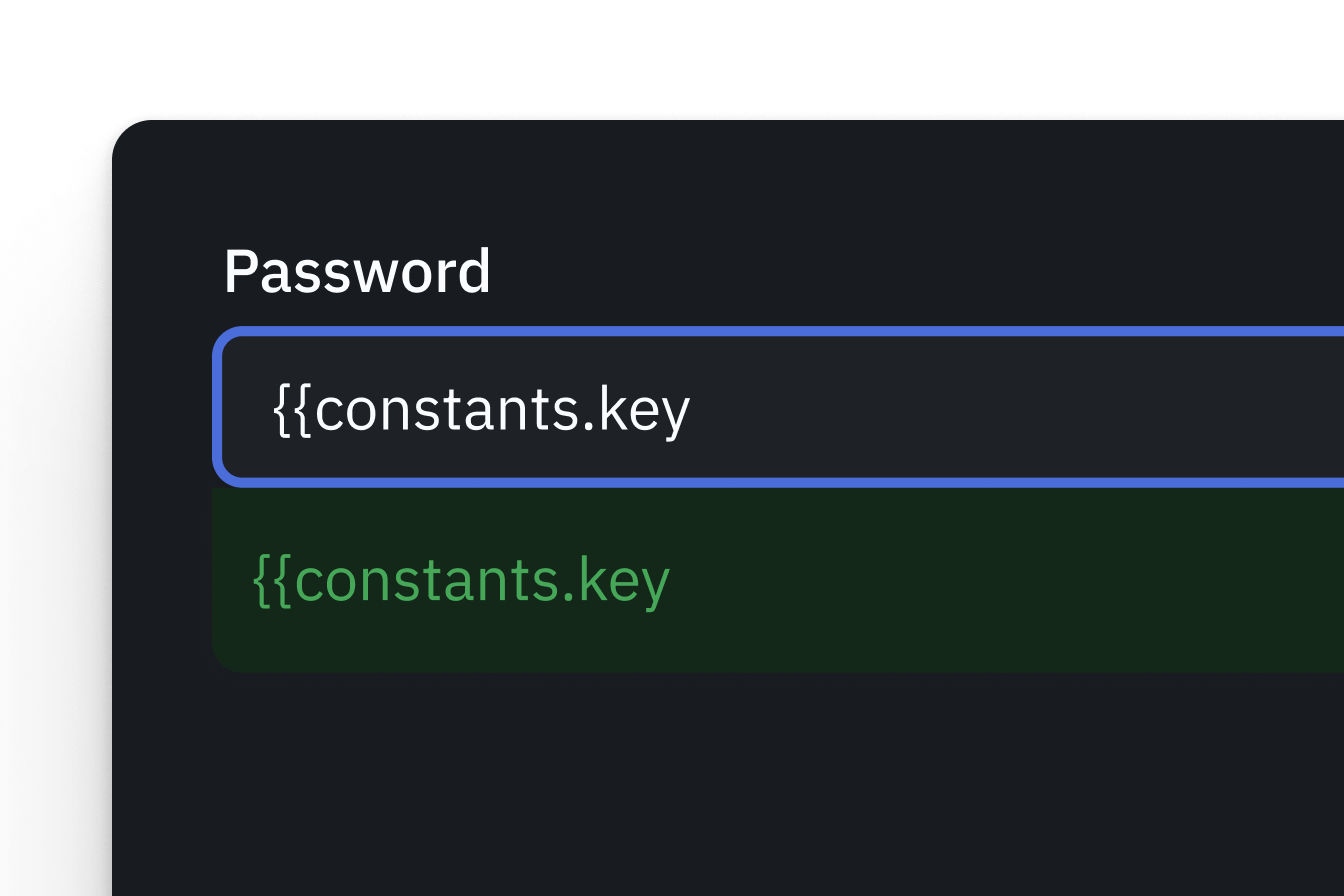
Set data-source connections and constants for each environment. Separate configurations do not create separate infrastructure; use separate instances when that boundary is required.










Real-time collaboration
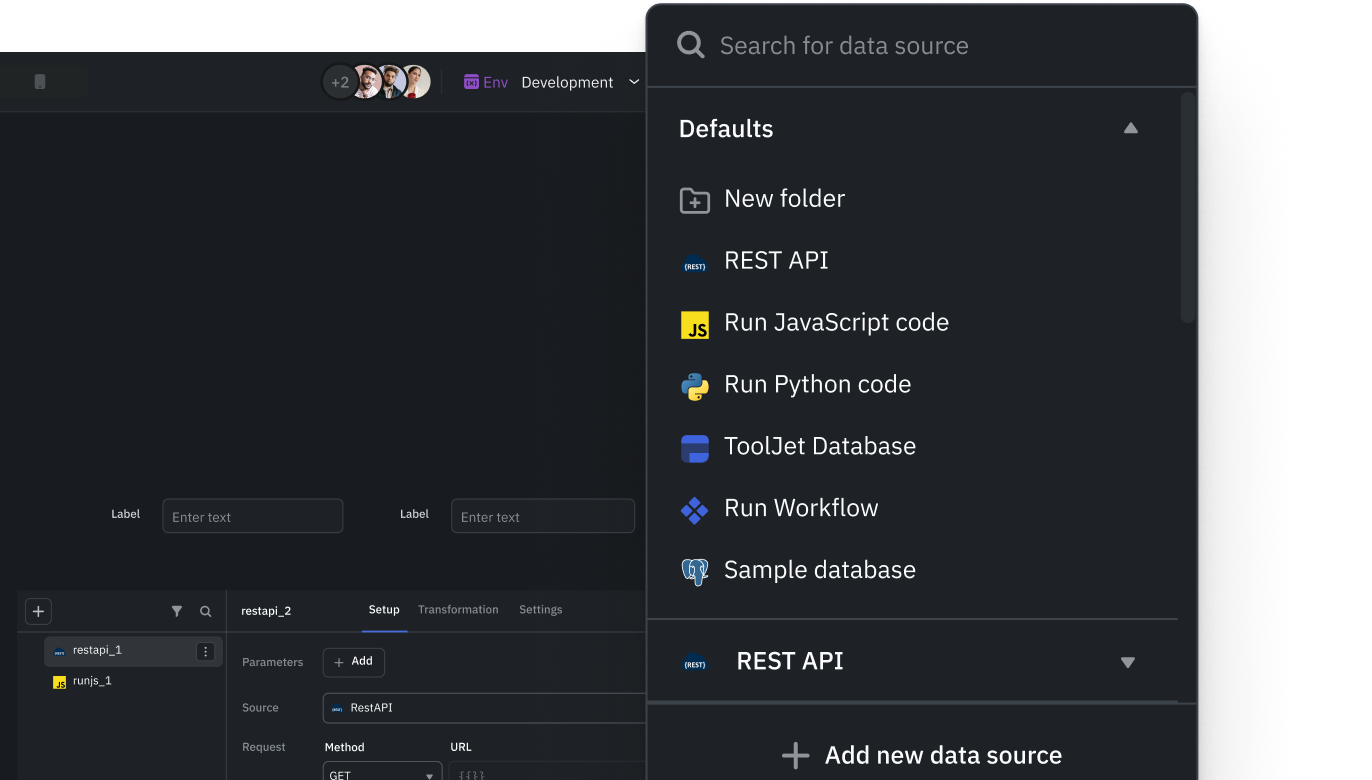
Multiple people can work on the same app at the same time. Leave comments, organize by team, and control who can do what.
Multiplayer editing
Multiple developers can simultaneously edit the same application in real time. Live presence indicators show who is working where, preventing conflicts and keeping everyone in sync.
Inline comments
Add comments directly on the canvas anywhere in your application. Tag and mention team members to provide feedback, ask questions, or flag issues without leaving the builder.
Workspaces
Organize apps by team or department with dedicated workspaces. Each workspace has its own applications, data sources, users, and permissions.
Role-based access control
Set specific permissions for admins, developers, and end users within each workspace. Decide who can build, edit, deploy, and view applications.