ToolJet Database
Ship internal tools faster.
The database is built in.
A PostgreSQL database inside ToolJet. Create tables in a visual editor, query them without code, and test on development and staging data before production.

Design tables in a visual editor.
Design a relational database in a visual interface. No terminal and no database admin, with PostgreSQL underneath.
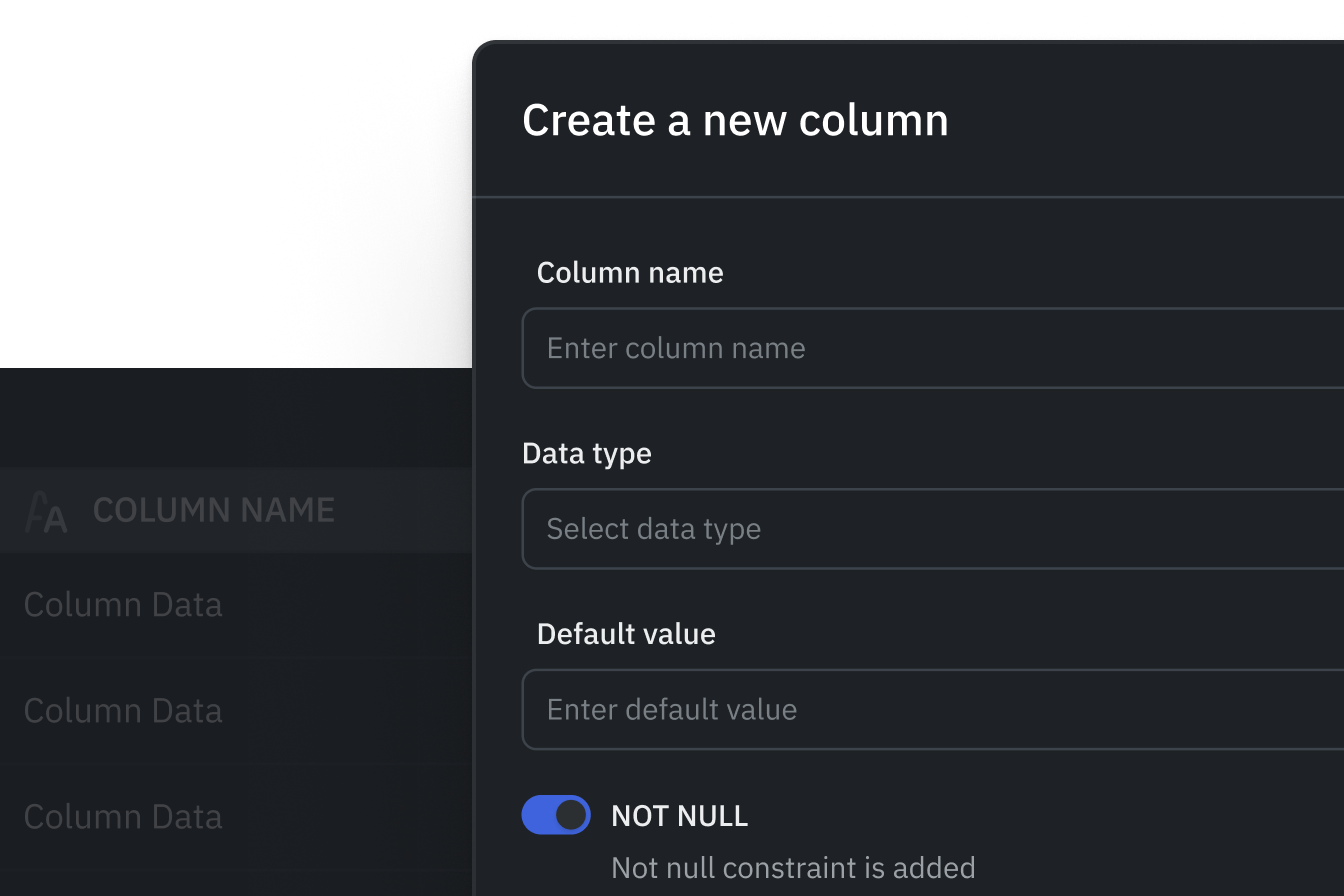
Visual table builder
Create tables, add columns and set data types in a spreadsheet-like editor.
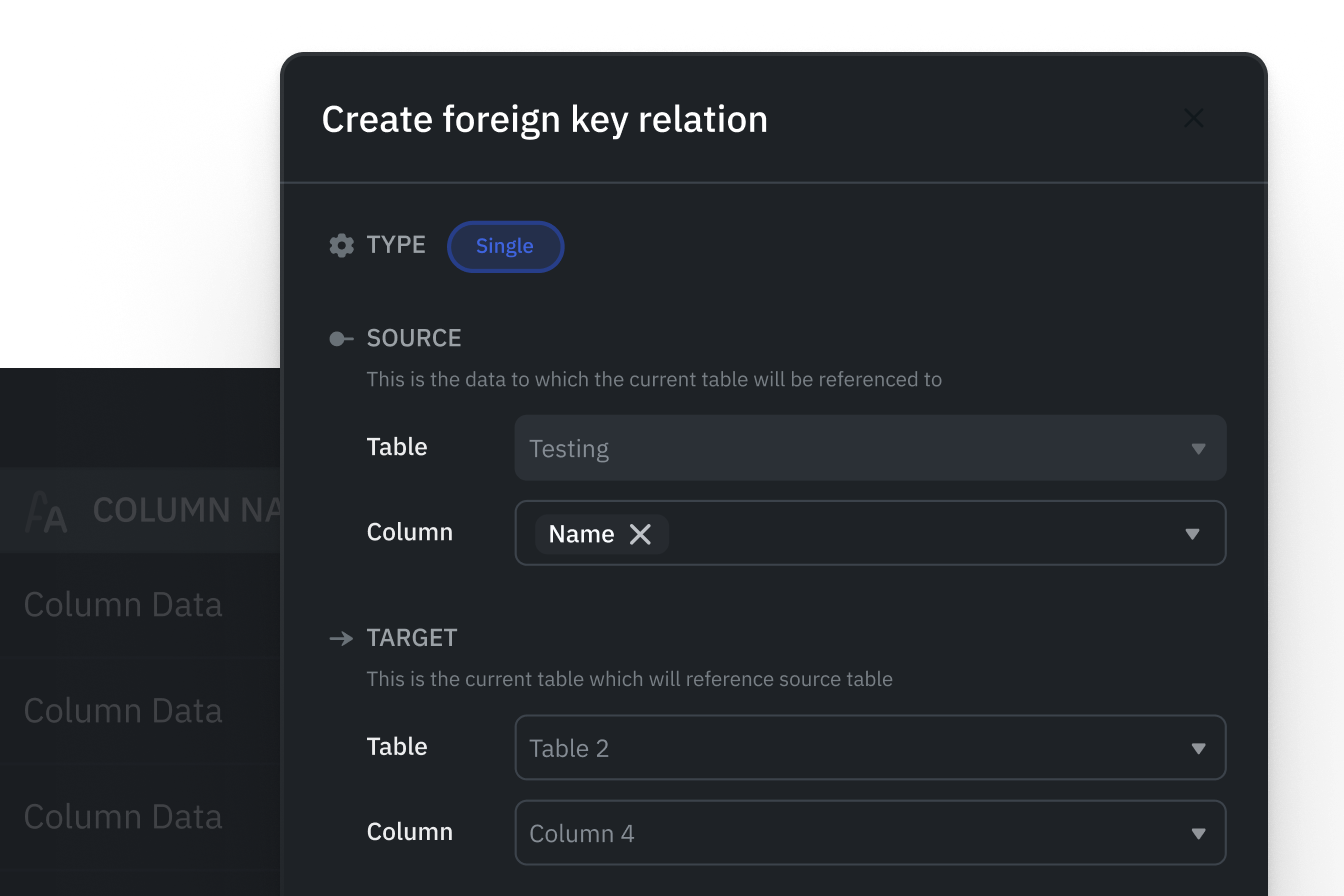
Foreign keys and joins
Link tables with foreign keys and query across them with inner, left, right and full outer joins.
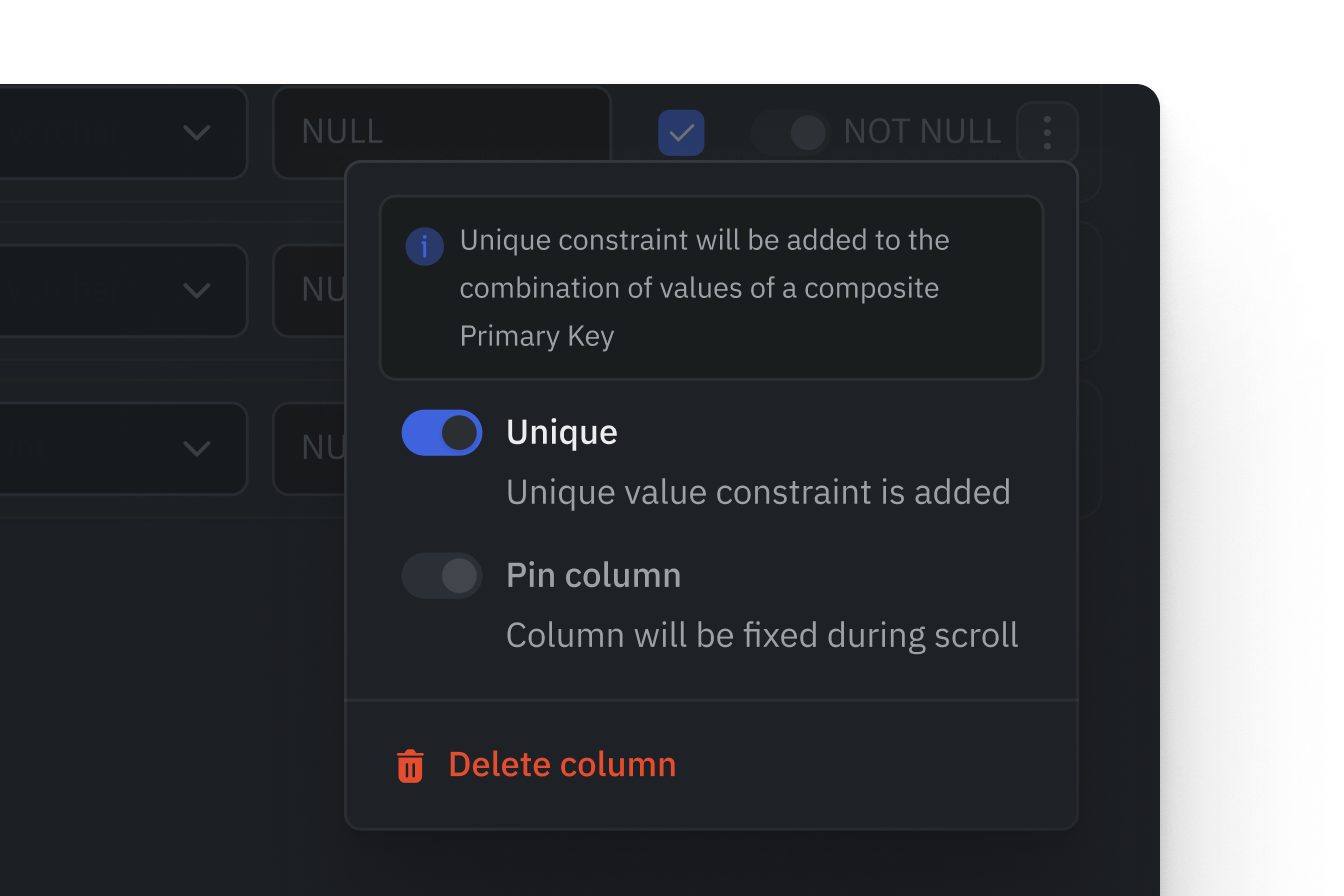
Constraints and integrity
Primary keys, unique constraints and not-null rules are enforced by the database.
Manage data without touching the terminal.
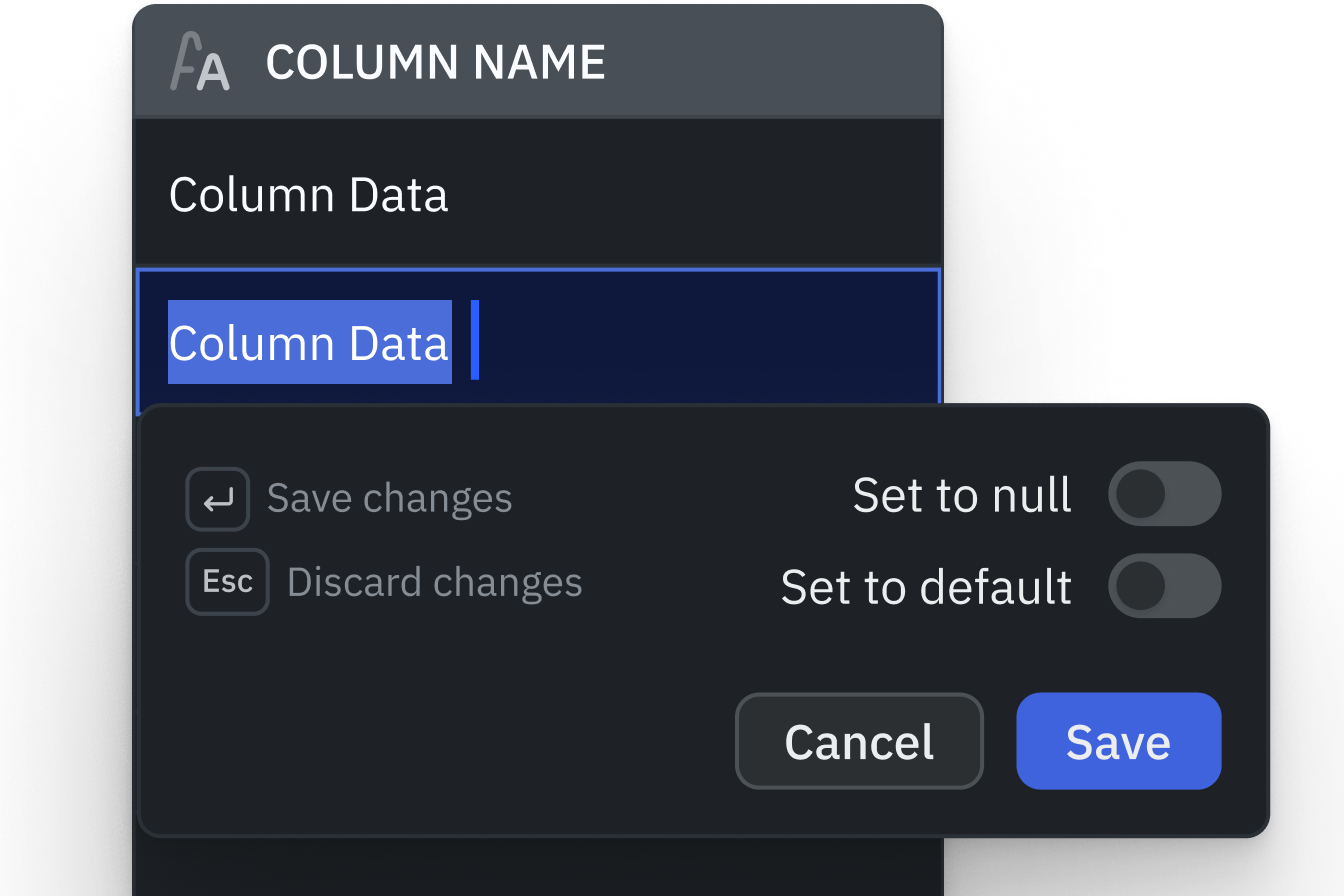
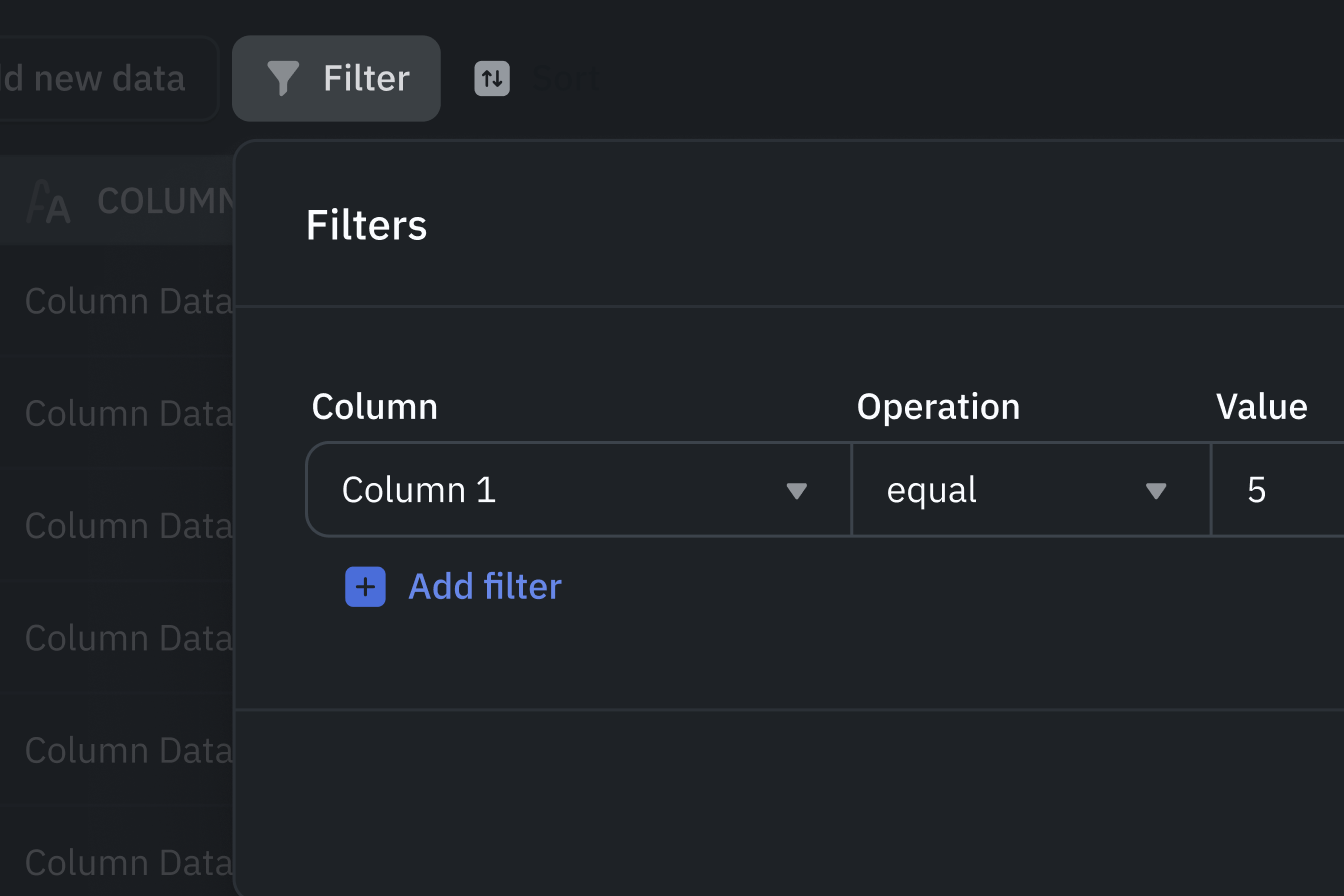
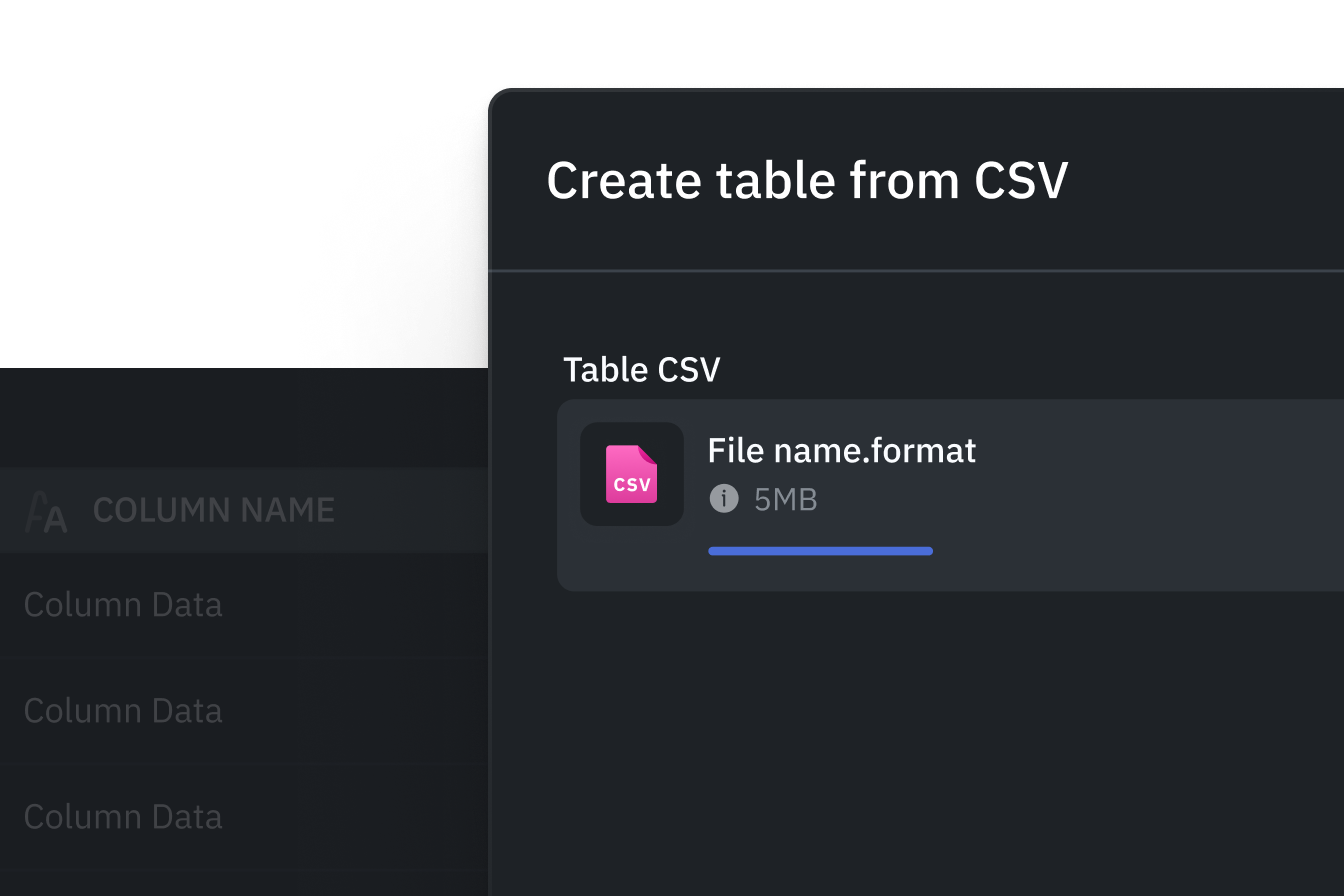
Browse, filter, sort and bulk-import records. Operations and business teams can work with the data directly.
Query visually, or write SQL.
Either way, results bind straight to the components in your app.
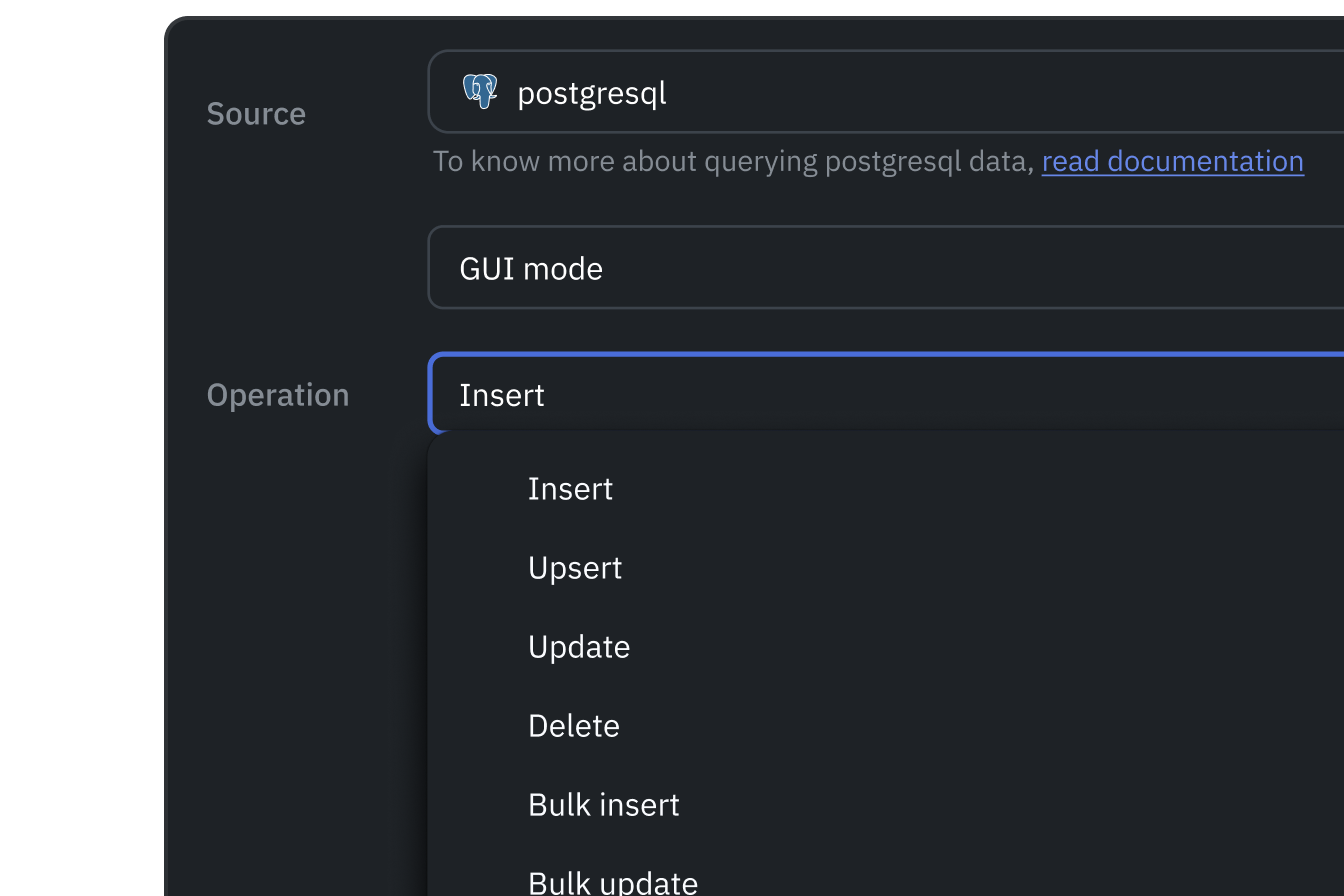
Visual query builder
List, create, update, delete and join through a point-and-click interface. Authorized builders configure queries without writing SQL.
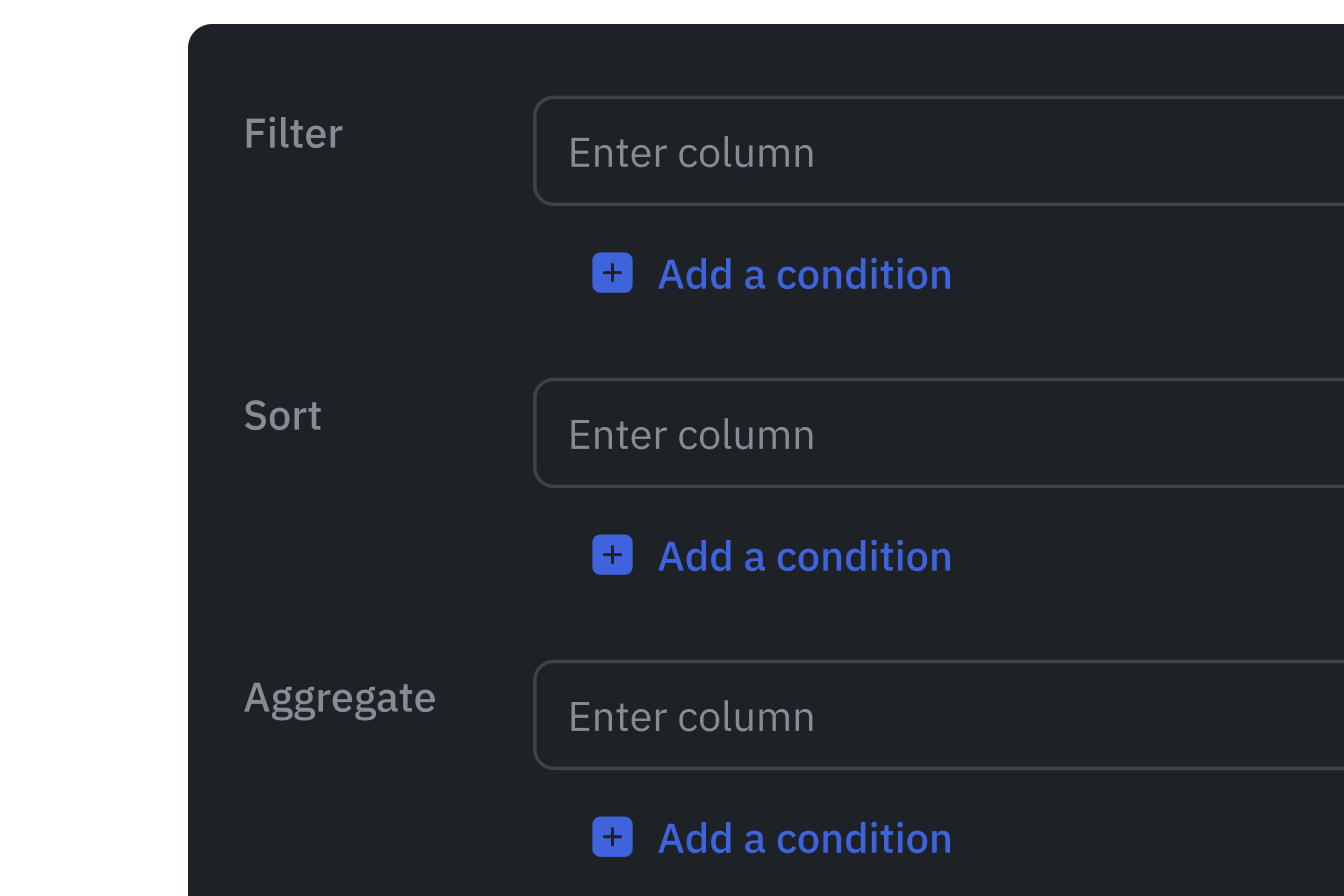
Aggregations and filters
Count, sum and group results, with as many filter conditions as you need.
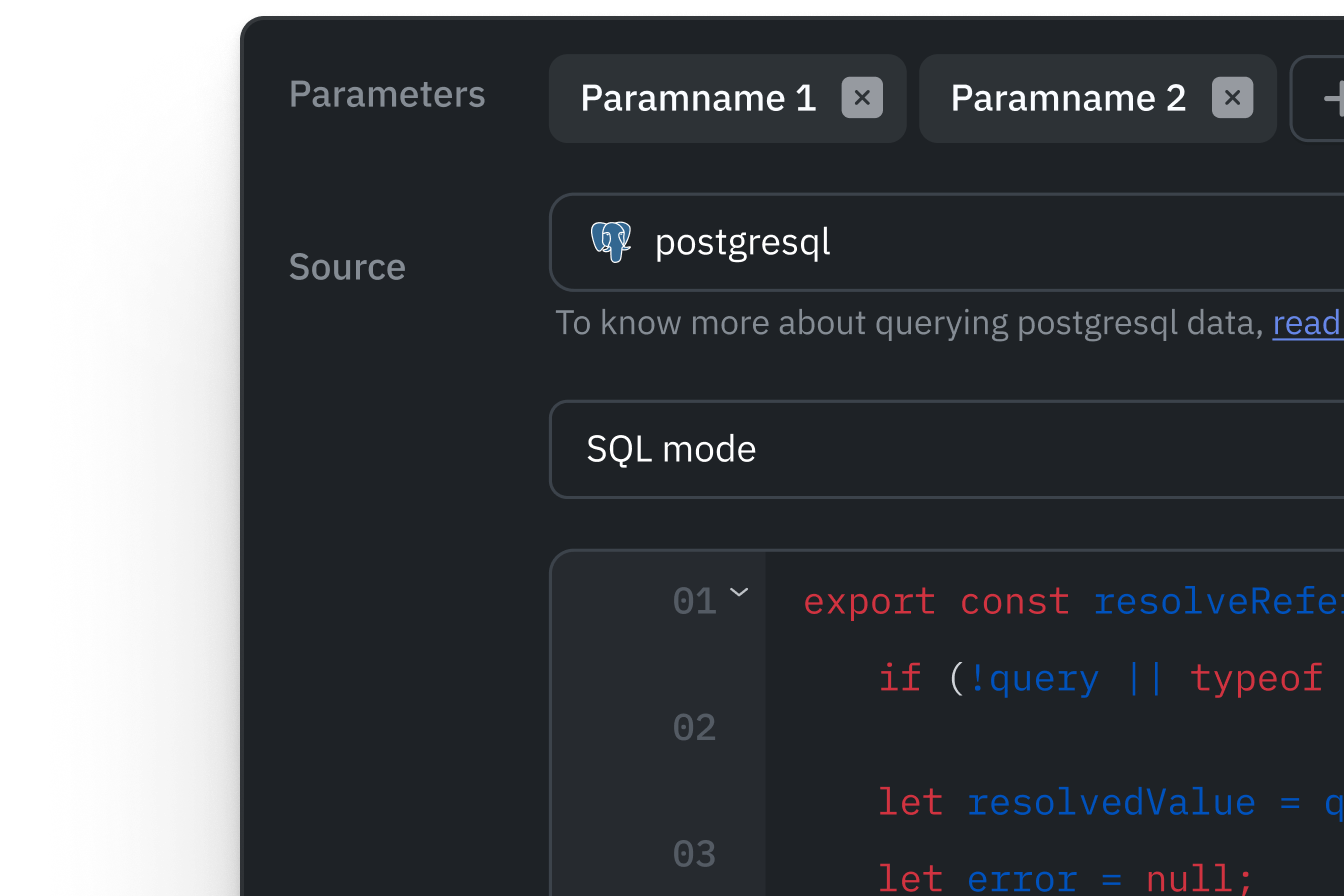
SQL when you need it
Write SQL for the complex cases, in the same editor.
Separate data for development, staging and production.
Try changes on development and staging data, and move to production only after the tests pass. Multiple environments are included on Cloud Enterprise and on Self-hosted Team and Enterprise. Compare plans.
Each environment has its own data
Development, staging and production never share records.
Apps follow their environment
An app in development reads development data. Promote it and it reads the next environment's.
Production comes last
Real records are only touched by the app you have tested and released.
Part of every
ToolJet app.
Keep new app data in ToolJet Database, or connect a system you already have through an integration. An app can use both.
Ready in seconds
Start building without connecting a data source. ToolJet AI can create the tables for you.
Access you control
All access goes through ToolJet sign-in and your app and resource permissions.
8 data types
serial, varchar, int, bigint, float, boolean, date with time and jsonb.
Direct app binding
Bind results to tables, charts and forms. Connect actions to queries that write records.
Used by teams at





Frequently asked questions
What is ToolJet Database?
Do I need to set up or host a separate database?
Does ToolJet Database support development, staging and production environments?
Can I write SQL against ToolJet Database?
Does ToolJet Database support relationships between tables?
Who can access the data in ToolJet Database?
When should I use ToolJet Database instead of an existing database?
How would I build an inventory or approval app with ToolJet Database?
Stop managing a separate database for internal apps.
Build on a database that is already part of your app platform.