The AI app builder for modern enterprises
ToolJet is an AI app builder for internal tools. Generate apps from a prompt, connect business data, then refine them visually or with custom code. Choose ToolJet Cloud or self-host the open-source Community Edition.

Prefer self-hosting? Explore deployment options or book a deployment demo.


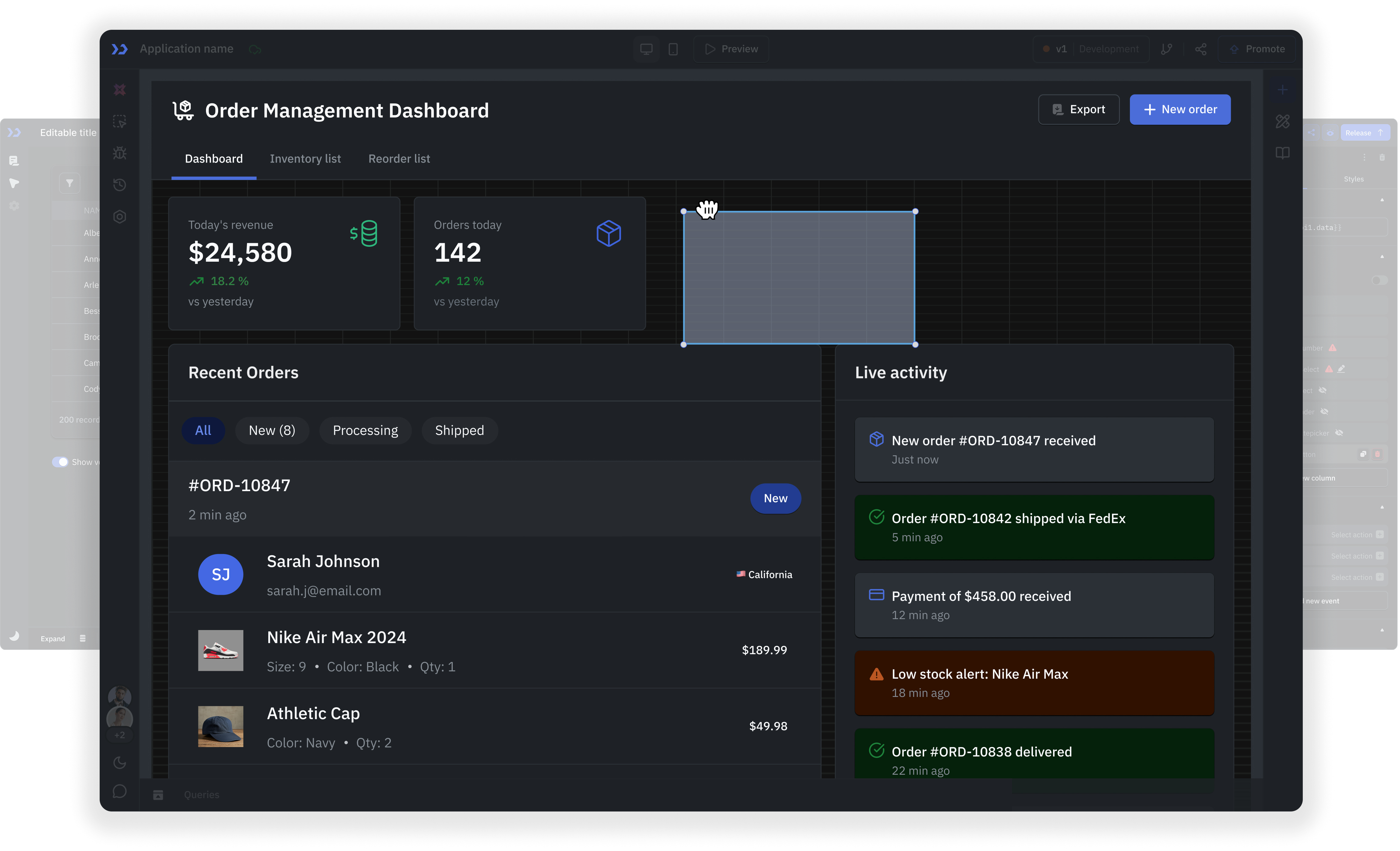
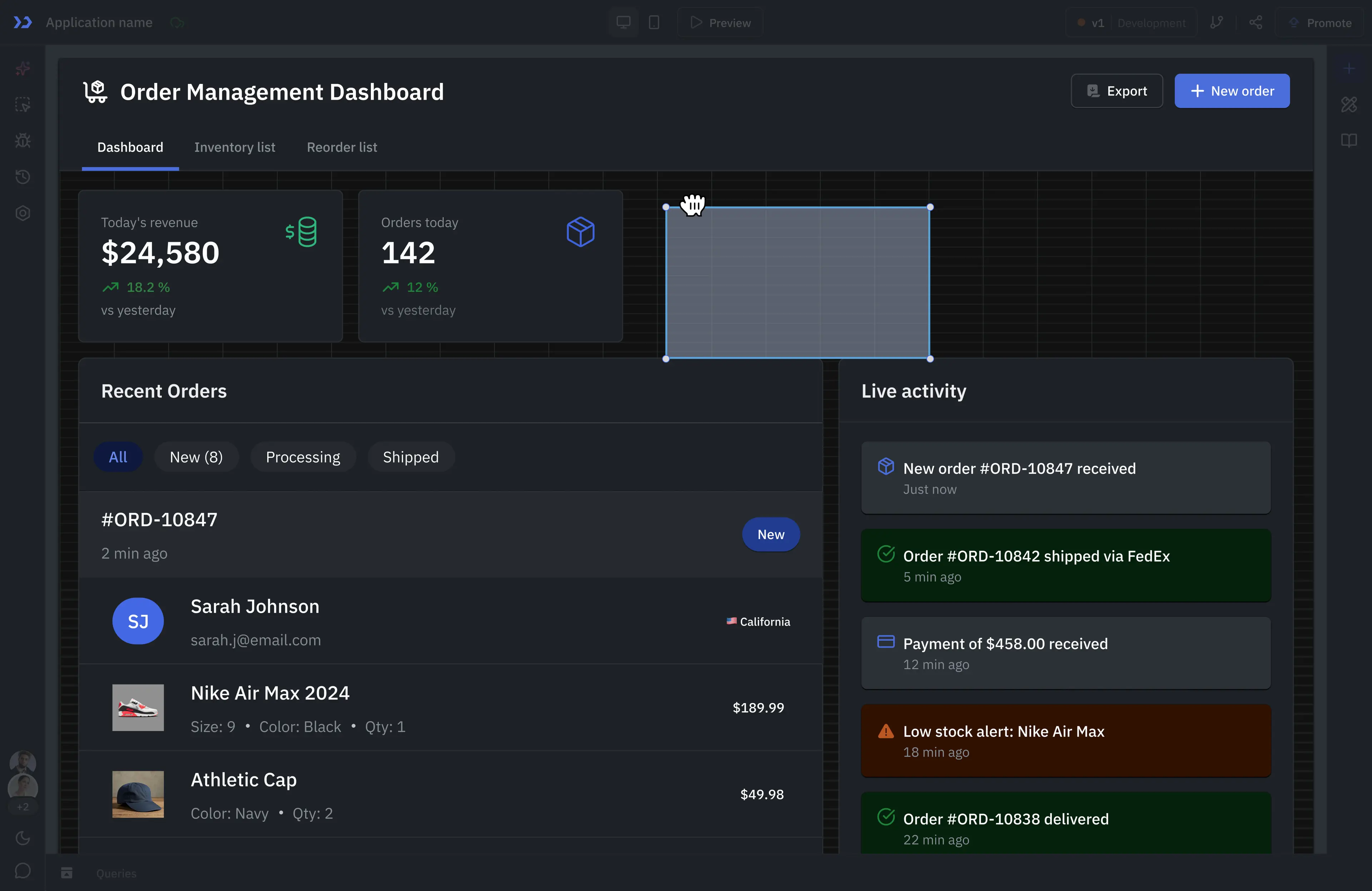
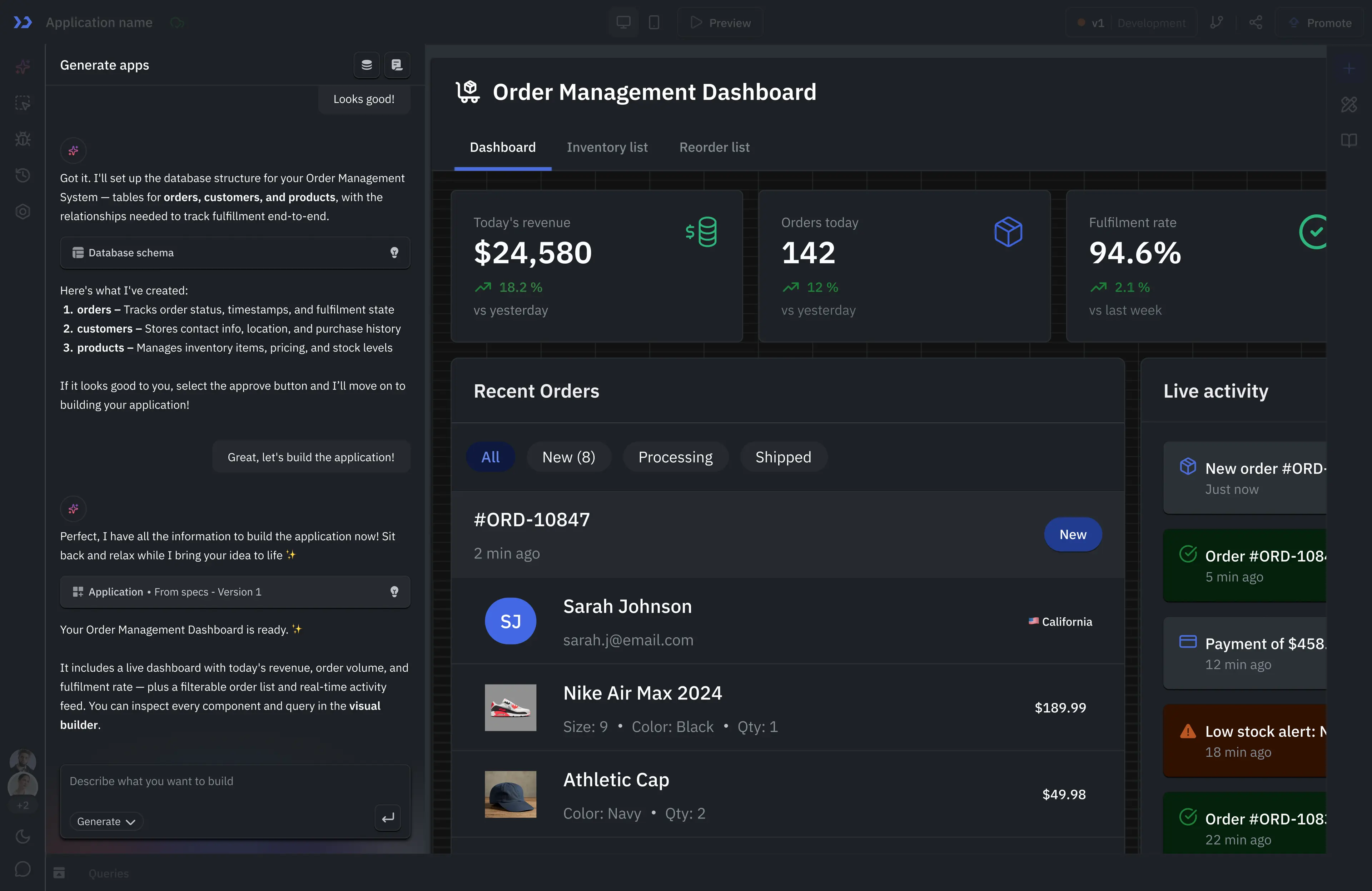
AI that enterprises can actually deploy
Predictable outputs
Production confidence
Easy to manage
Maintainable foundations
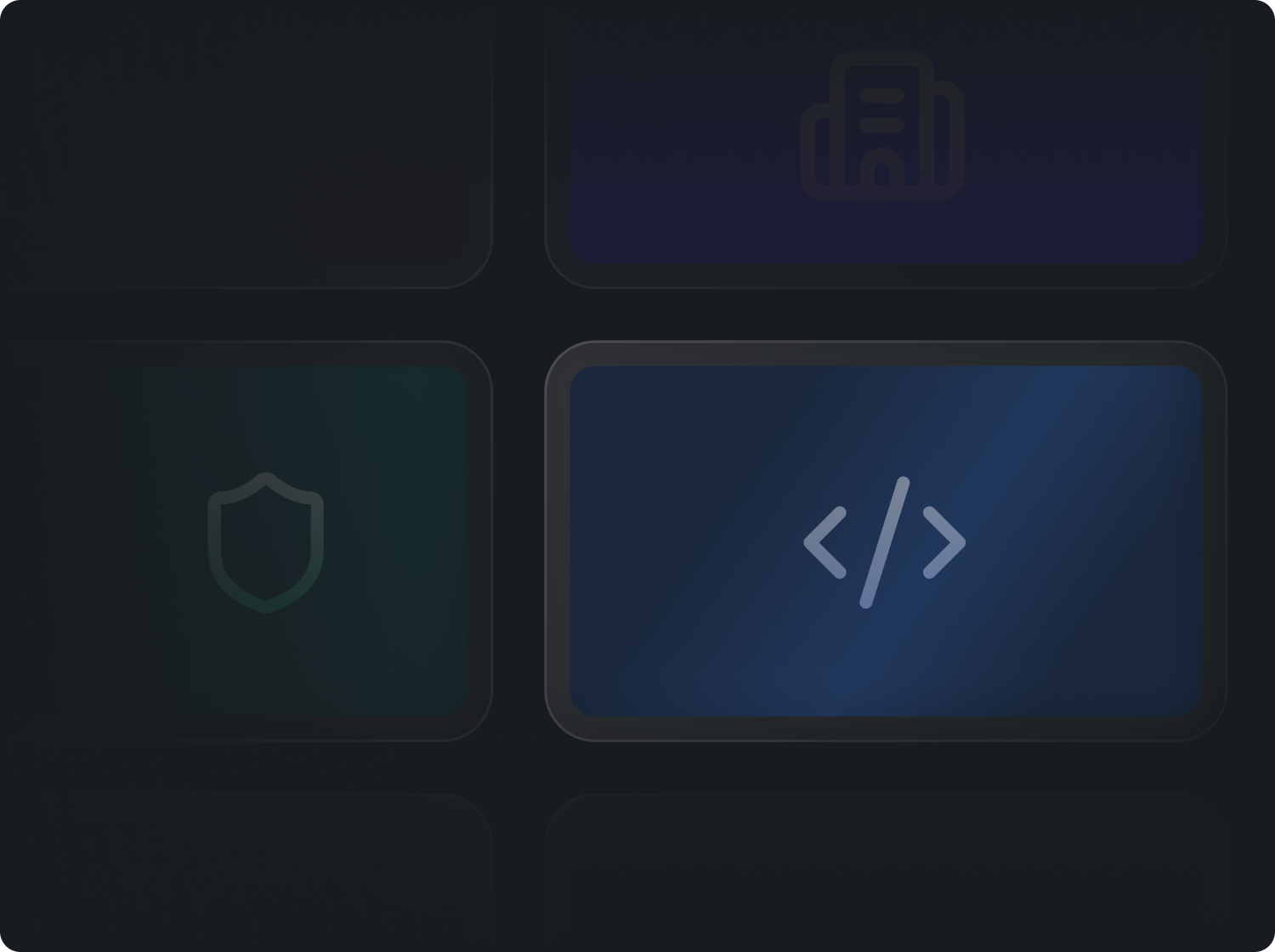
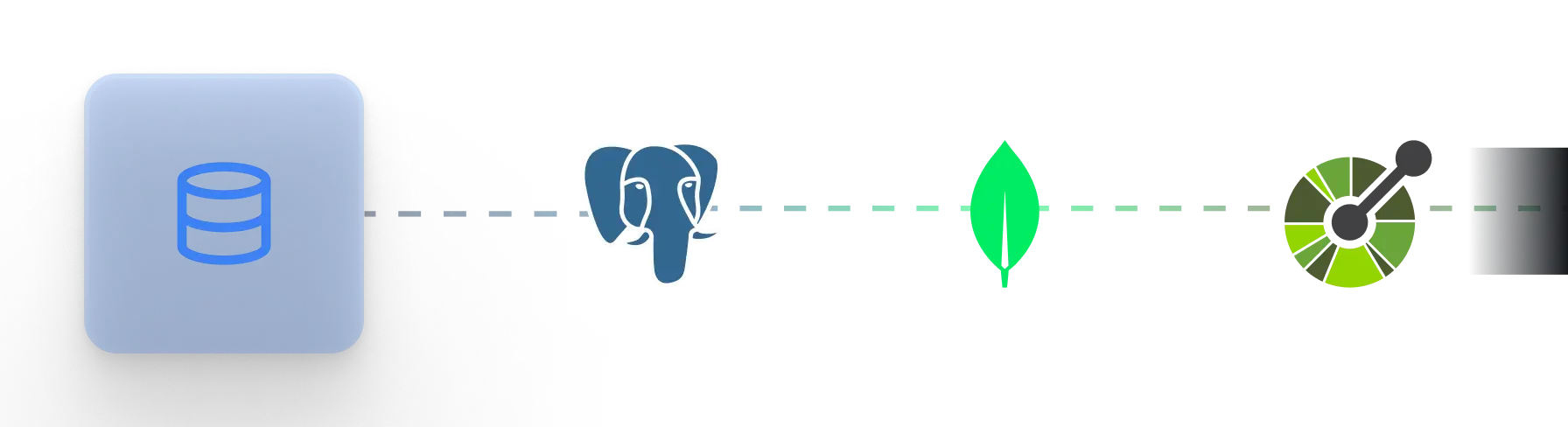
Most AI builders start from scratch ToolJet starts from your data
AI-powered development lifecycle
Plan
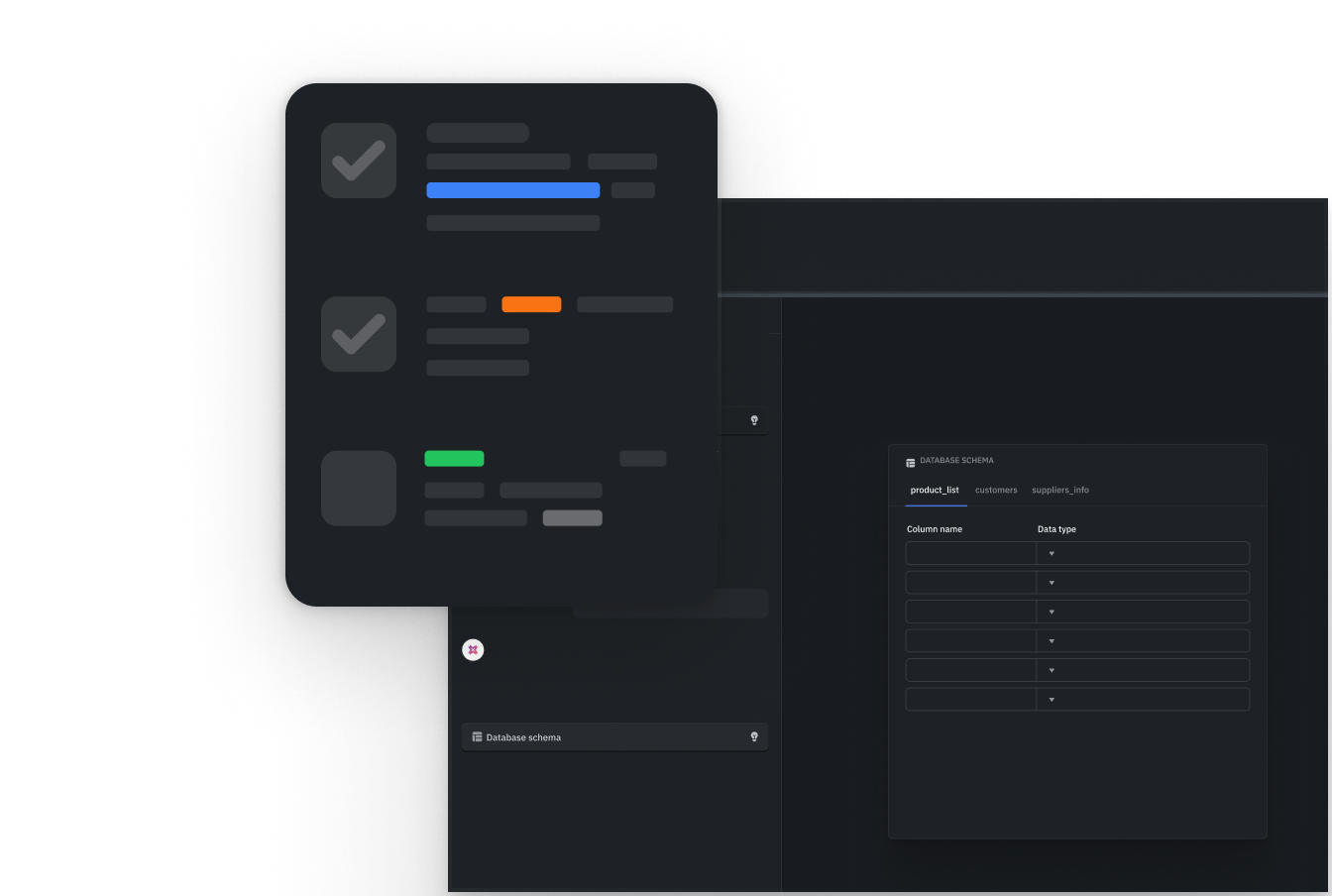
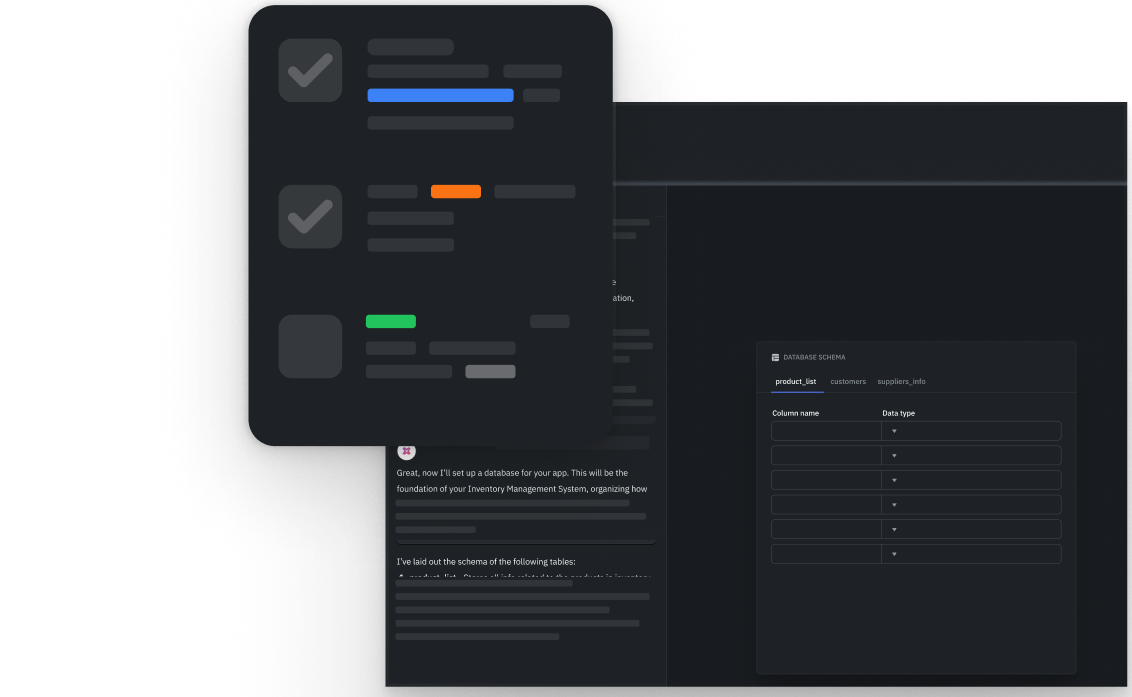
Design
Build
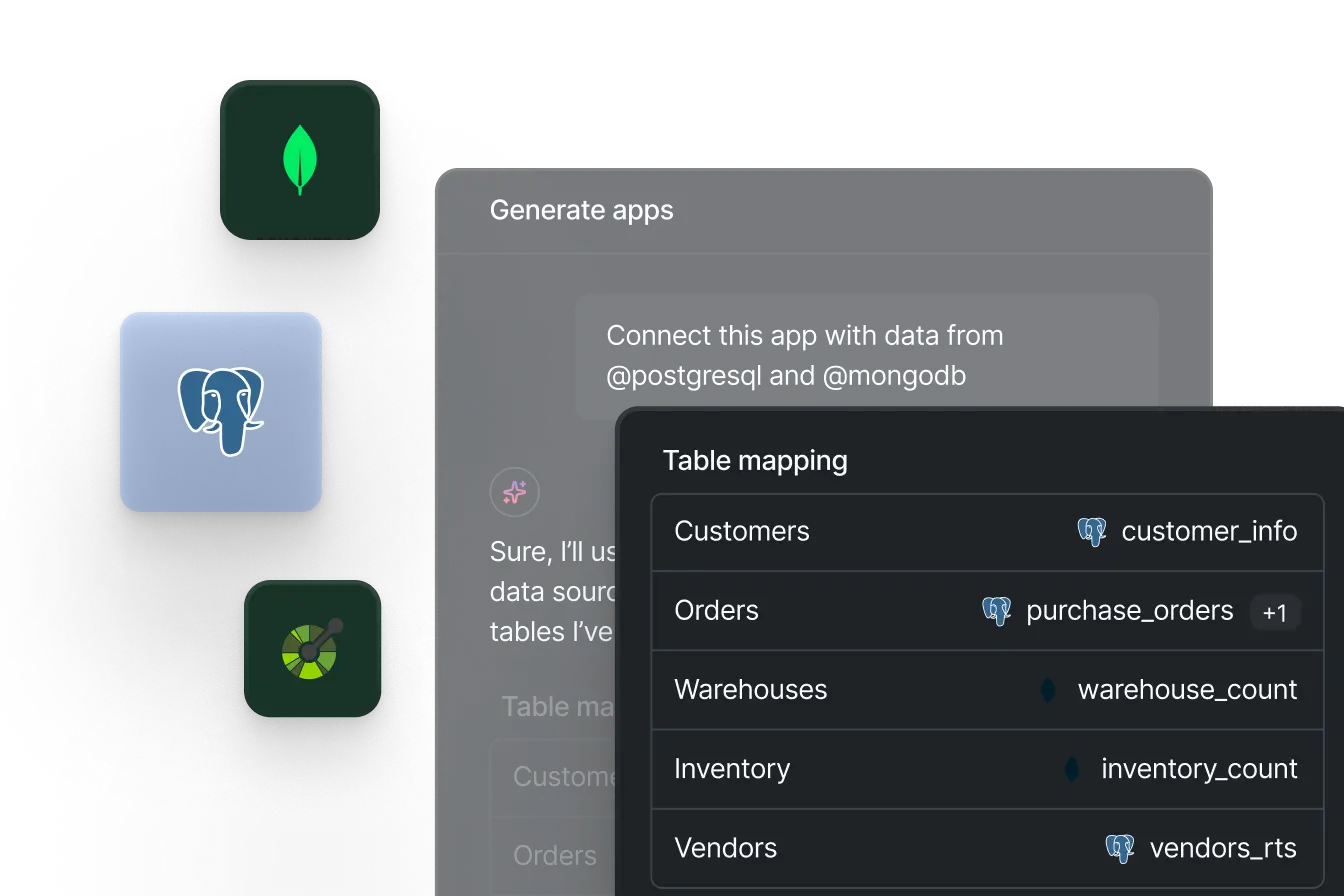
Manage data
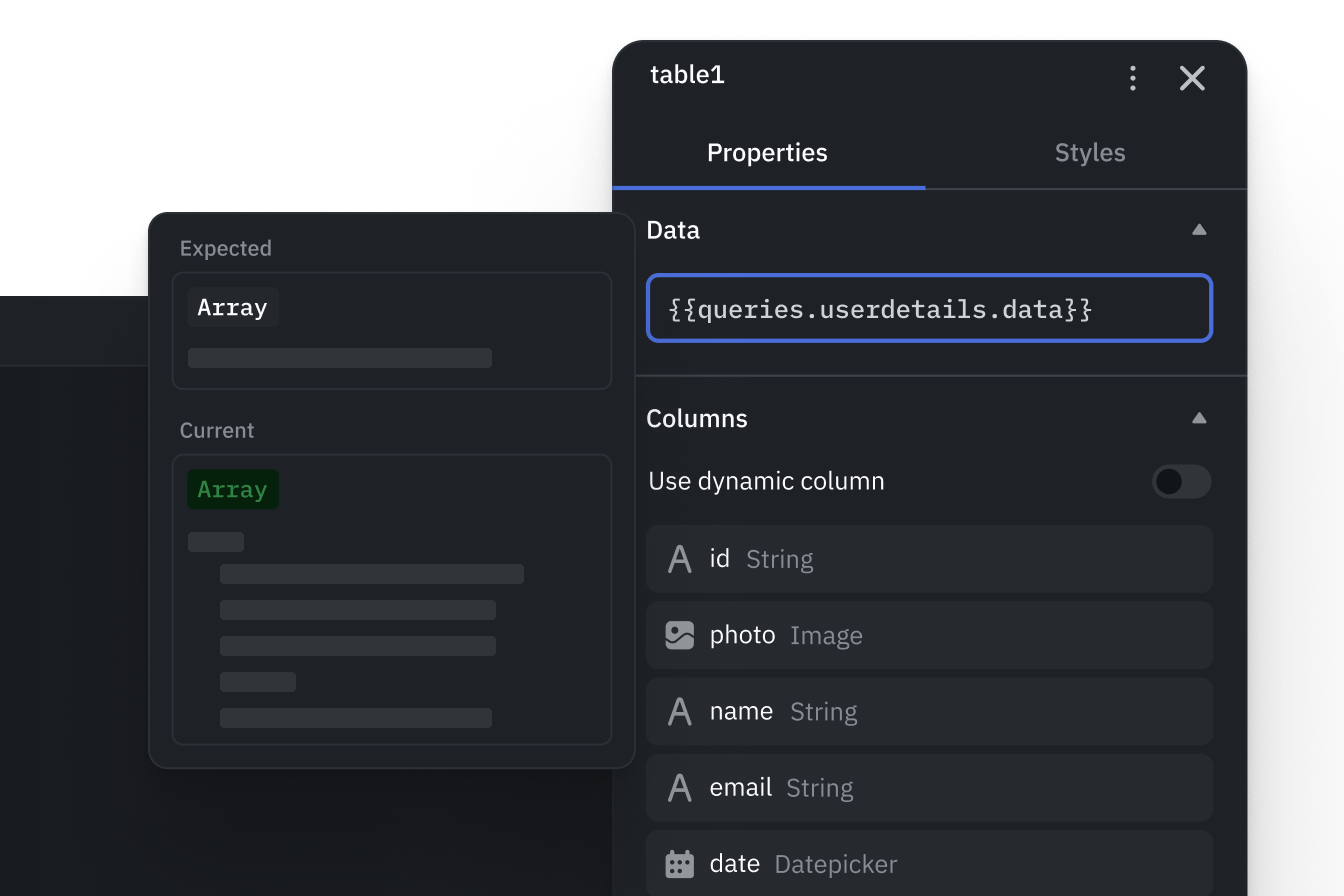
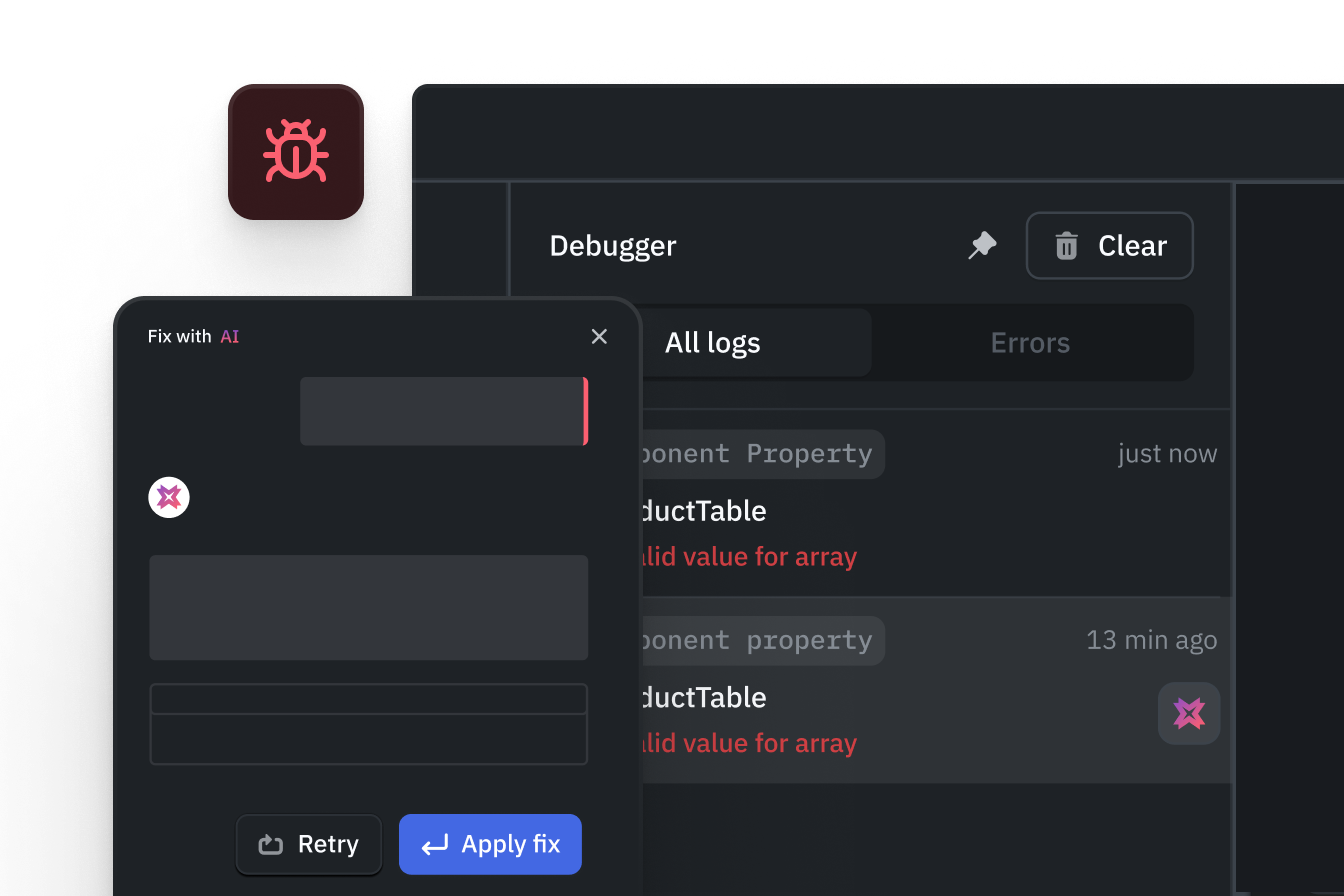
Debug
Visual app building
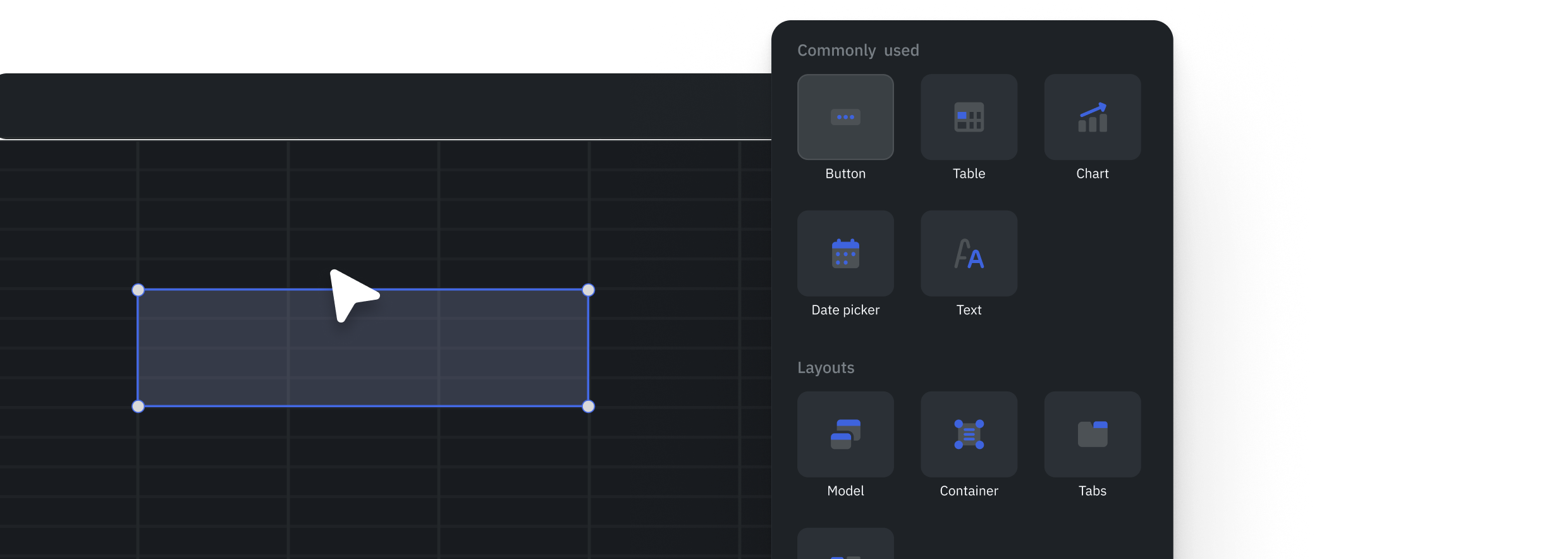
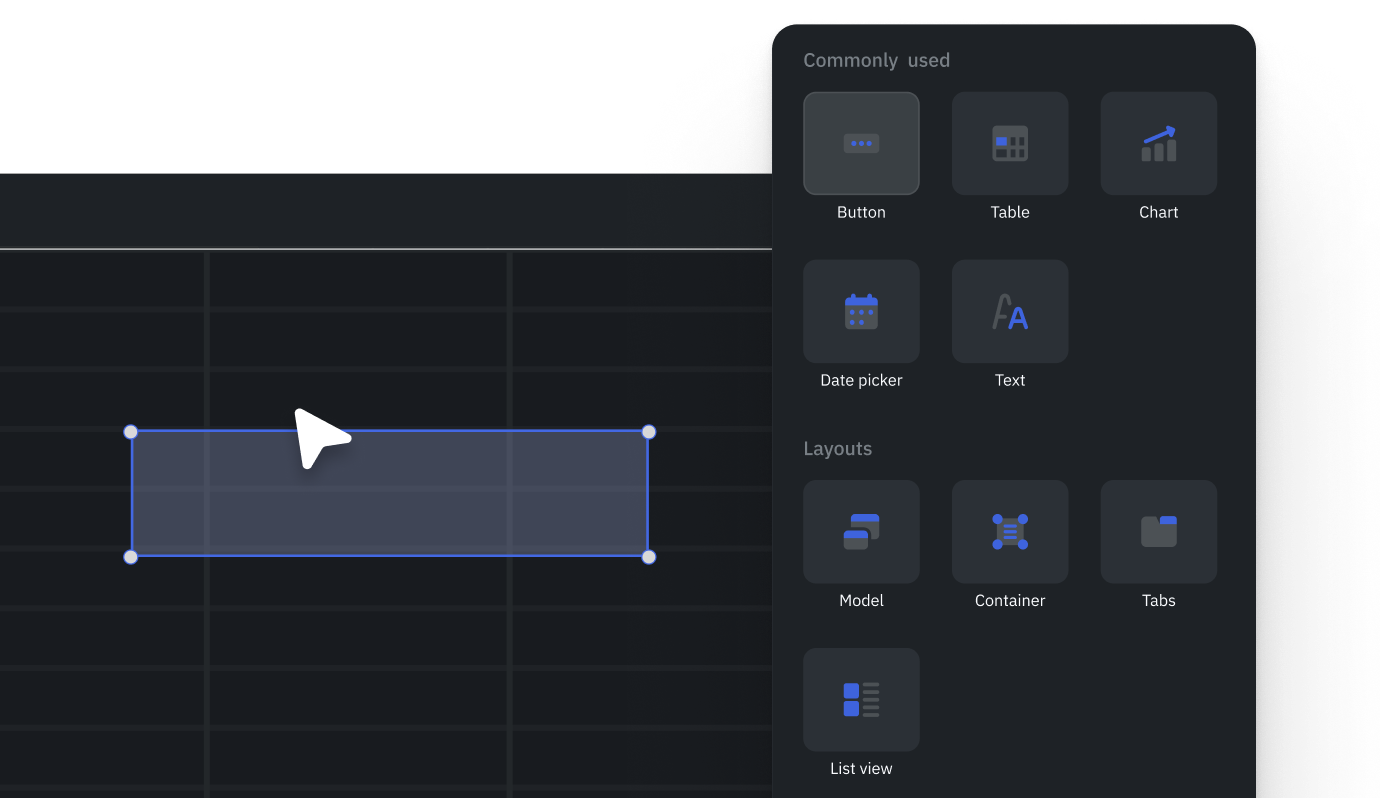
Rich component library
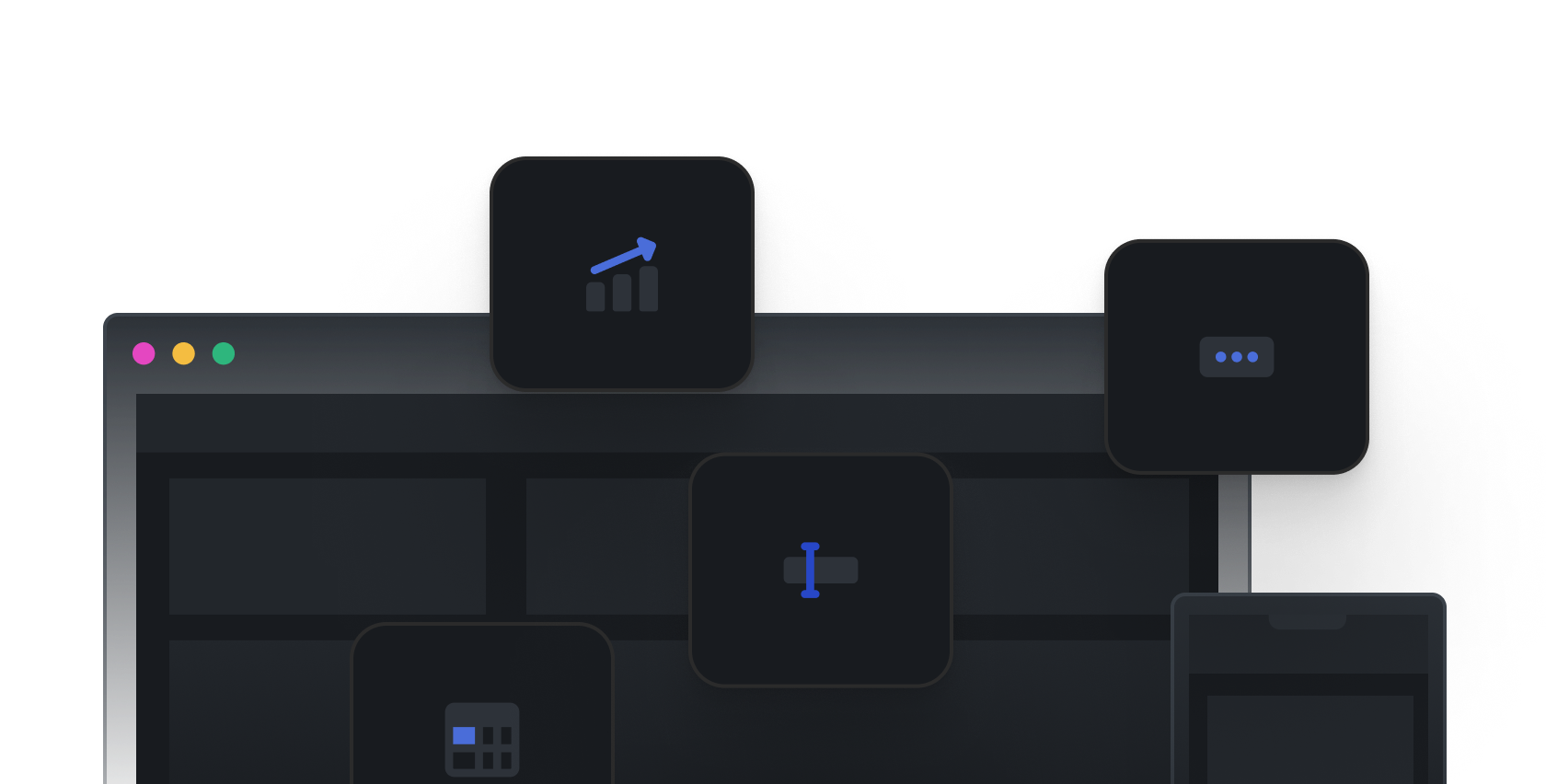
Drag-and-drop builder
Query builder
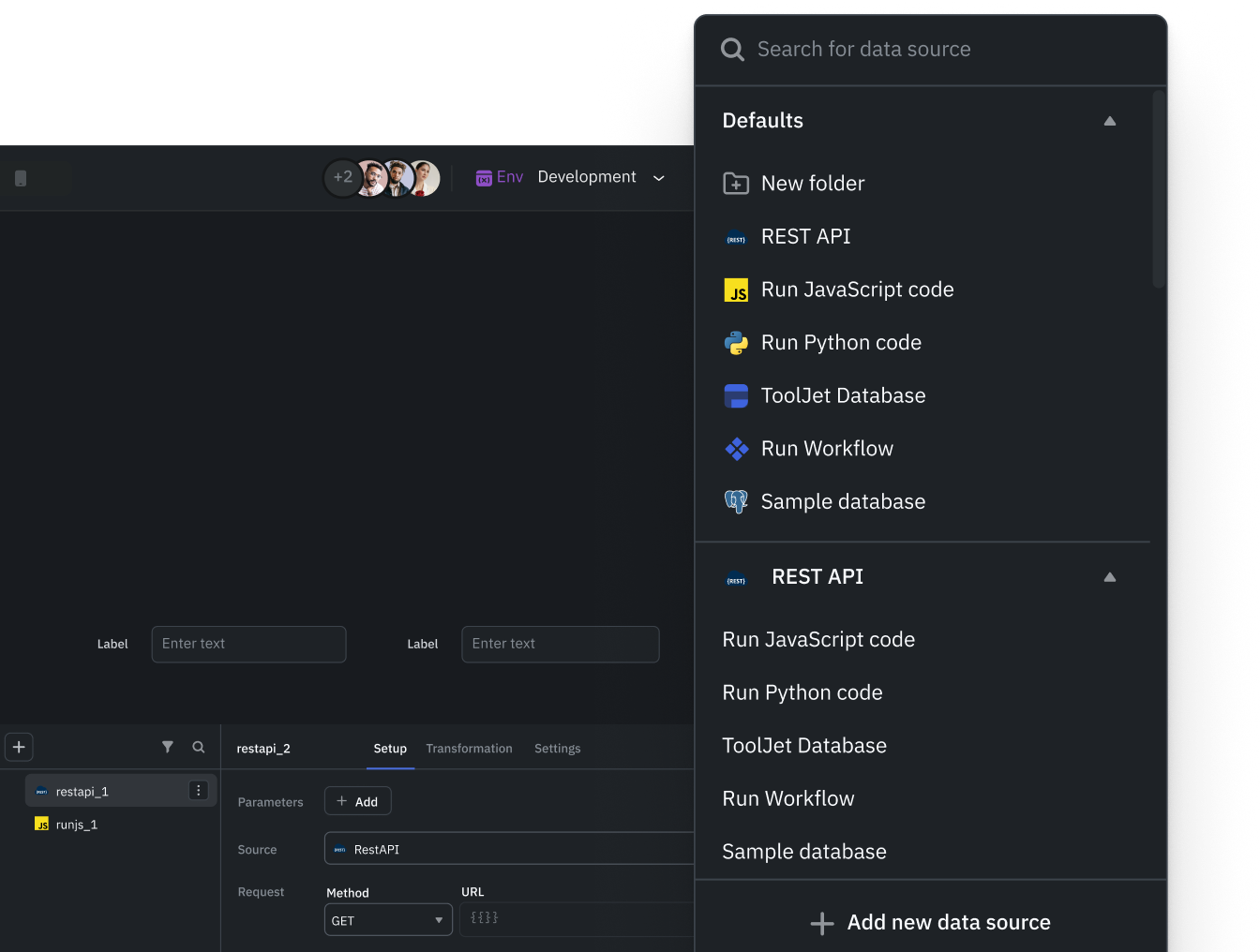
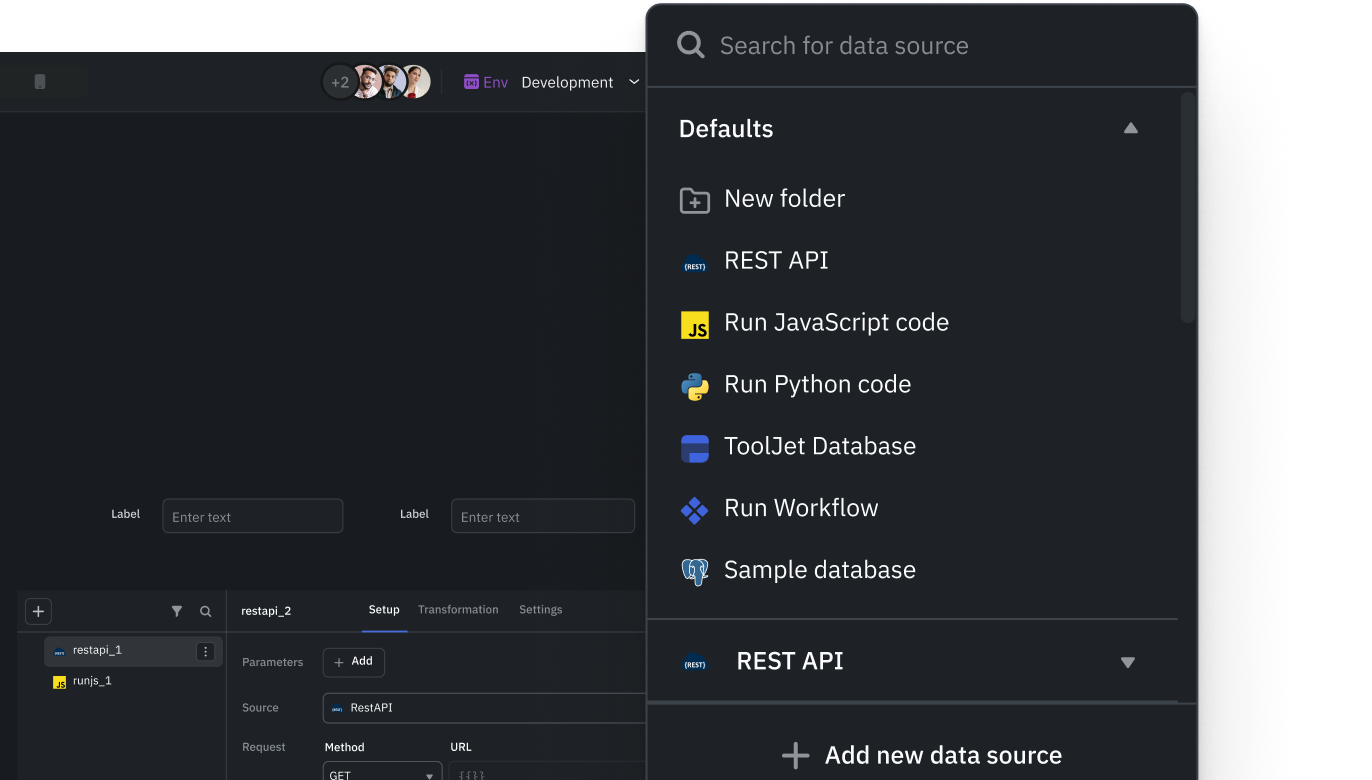
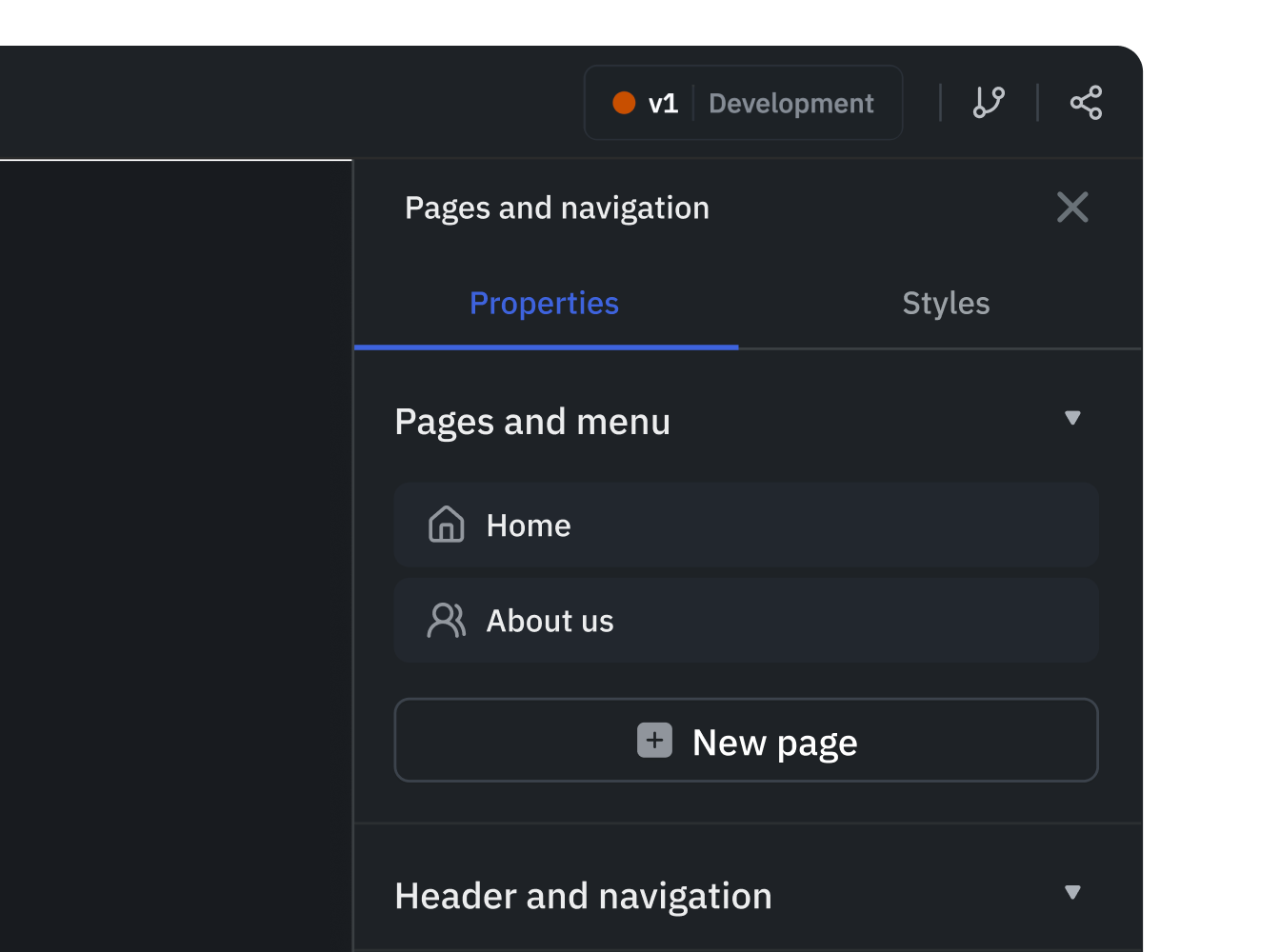
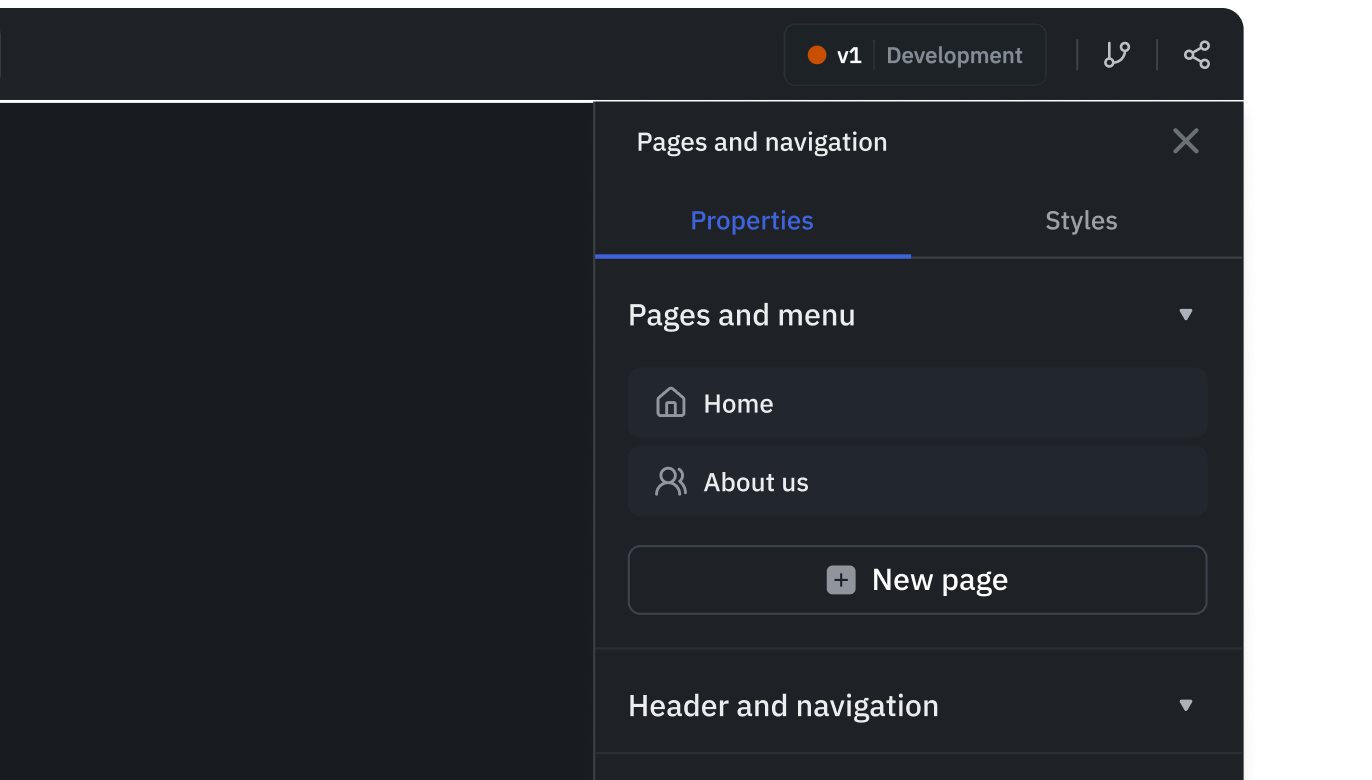
App navigation
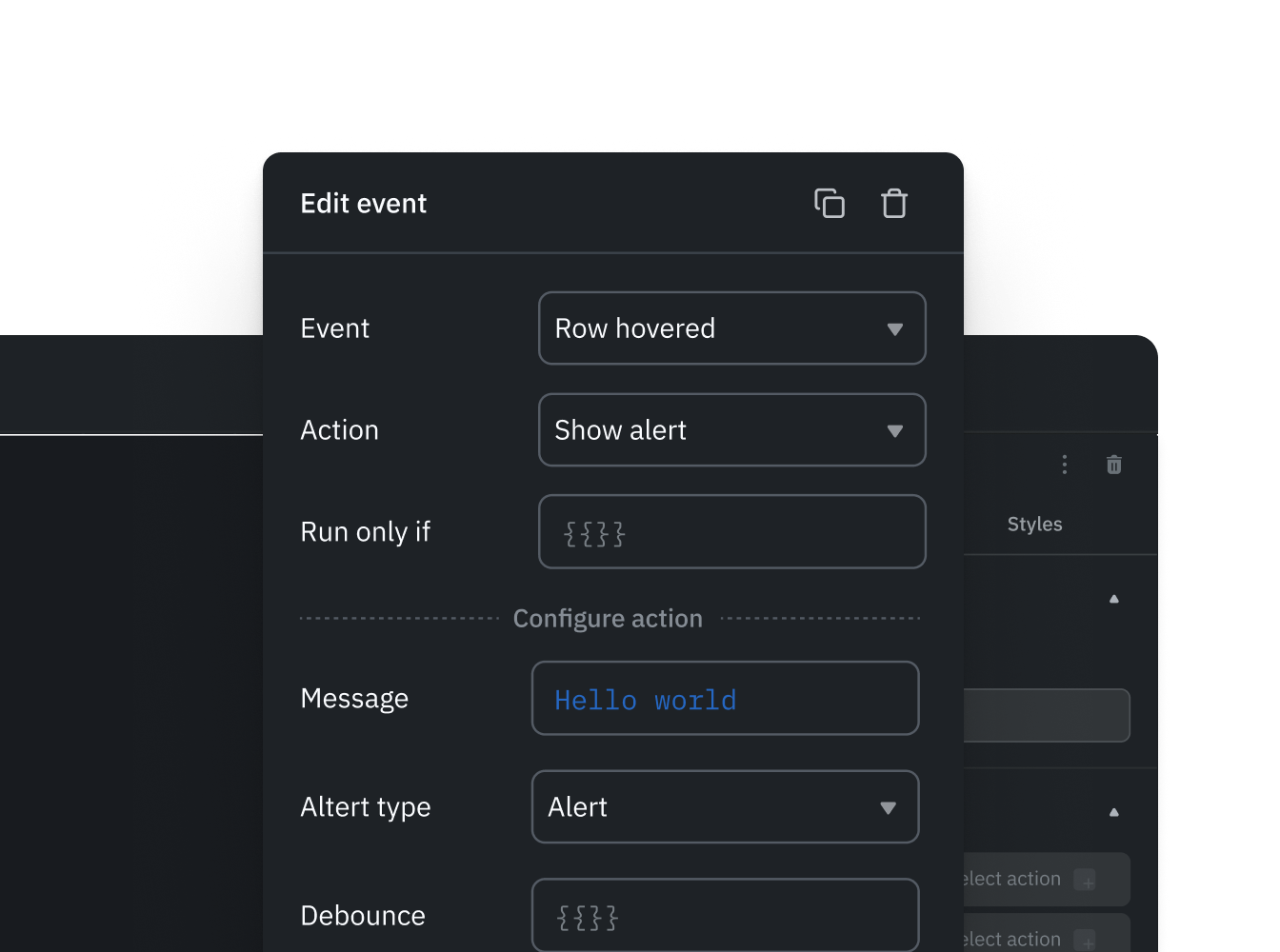
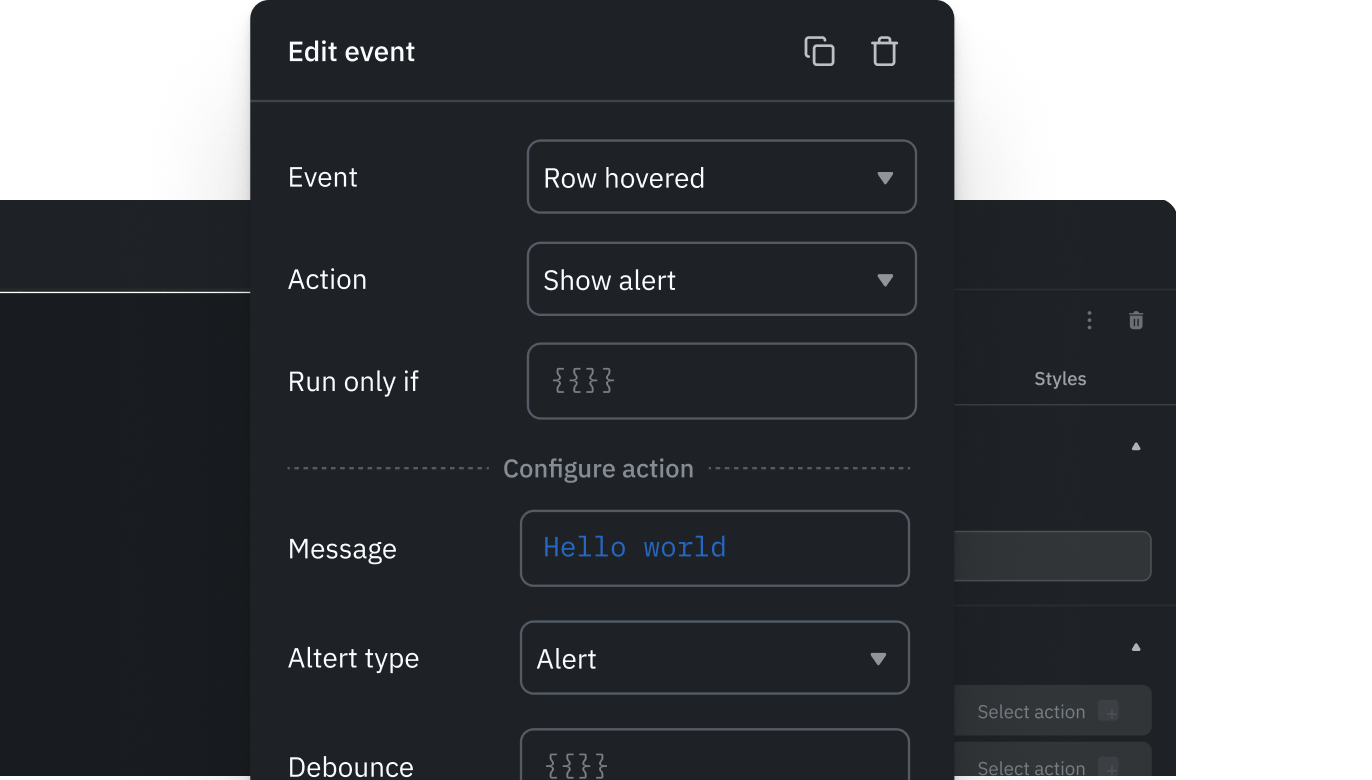
Event manager
Extend with code when needed
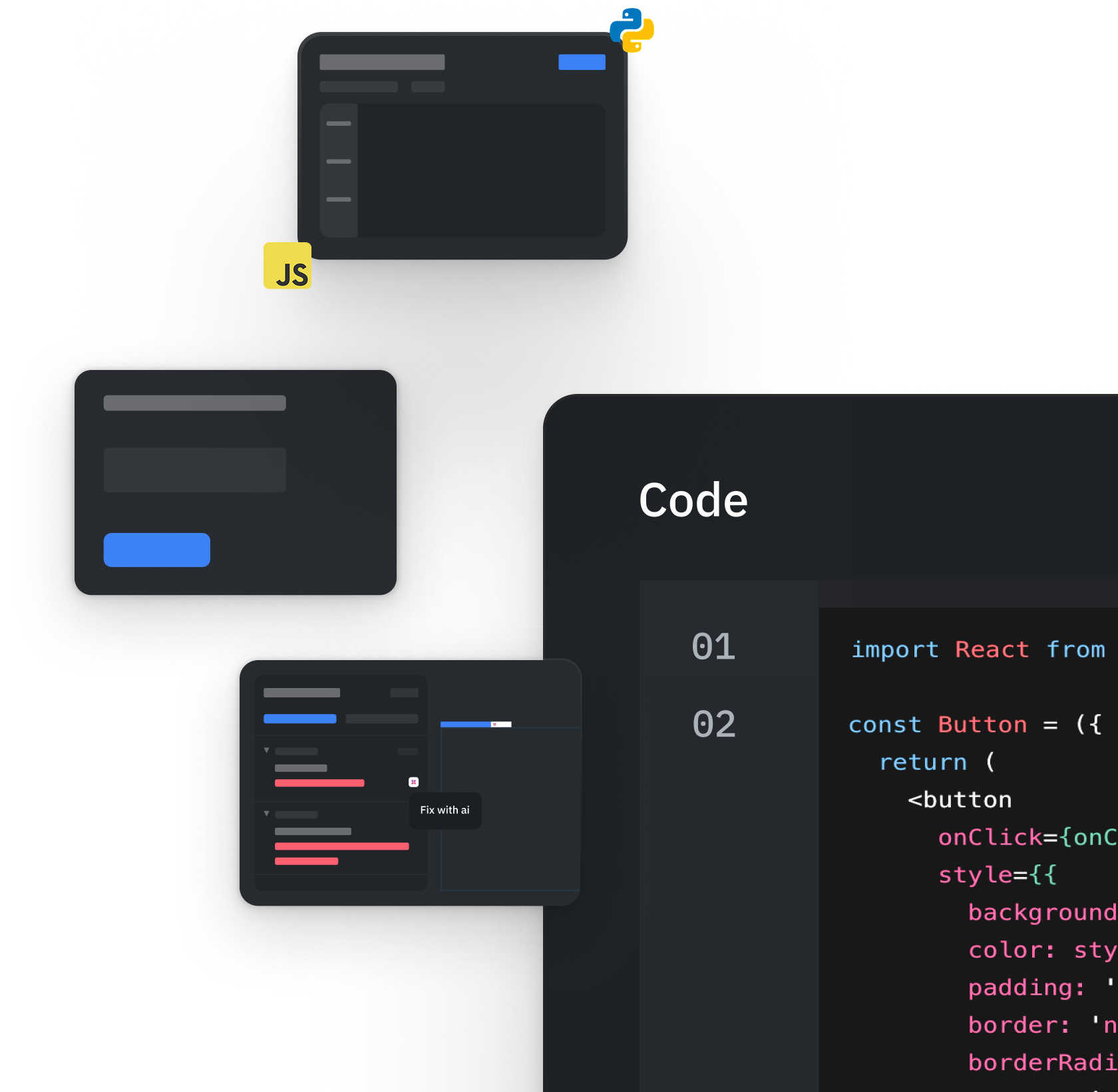
Custom React components
Queries across data sources
Data transformation
Run JavaScript & Python
Debugger
Scalability, consistency and maintenance

Modules

App themes/Design system

Custom styles

Flexible layout components
Real use cases powered by AI app builder
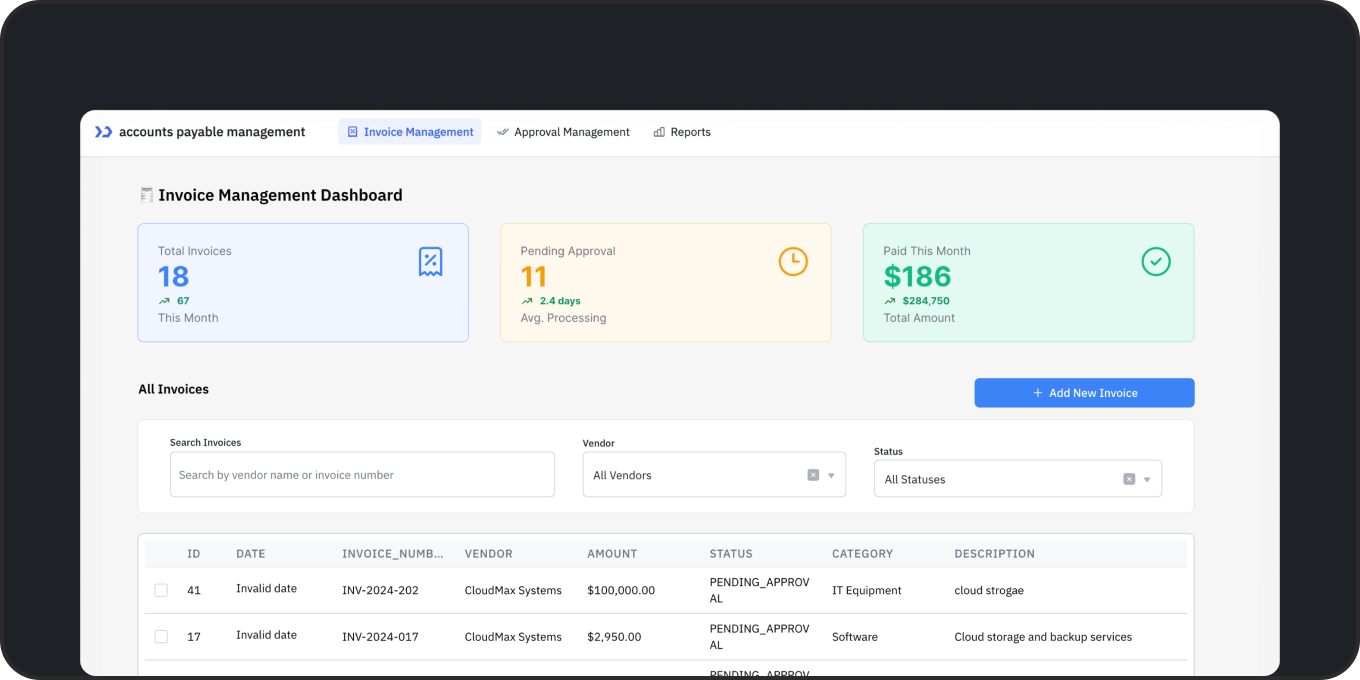
Build an accounts payable app with AI in minutes
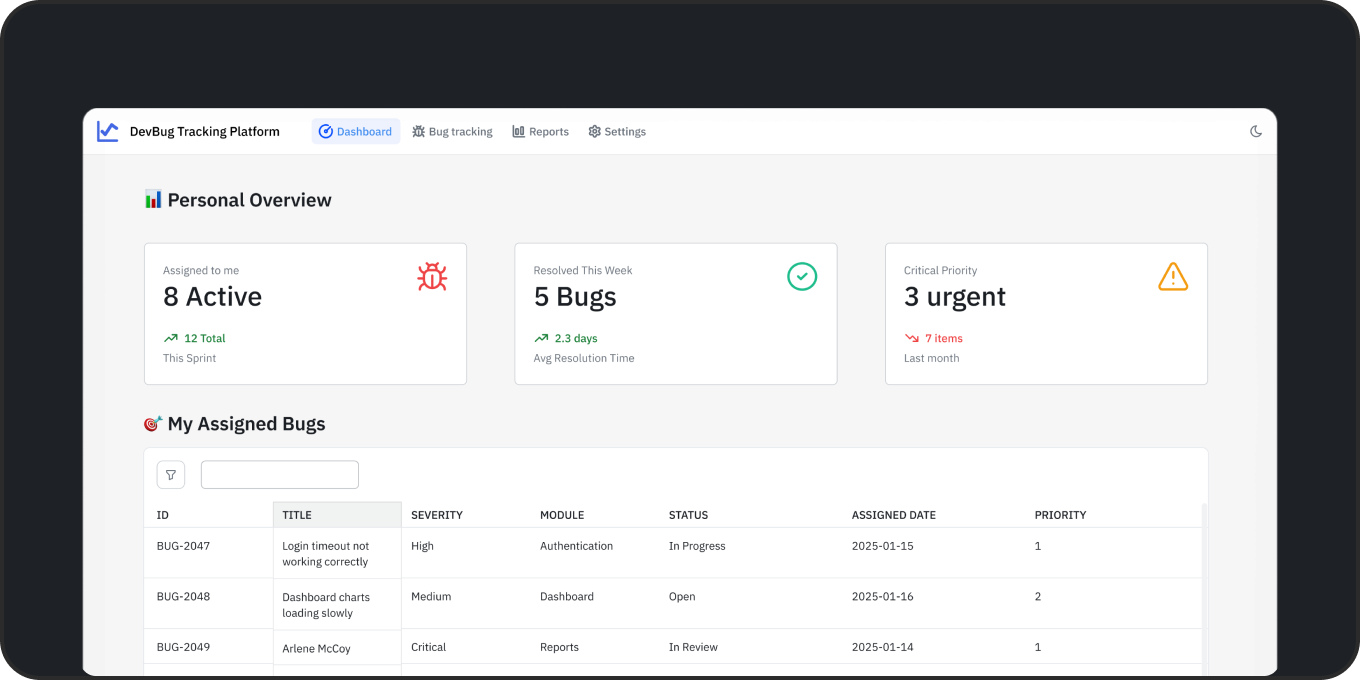
Build a bug tracker software with AI in minutes
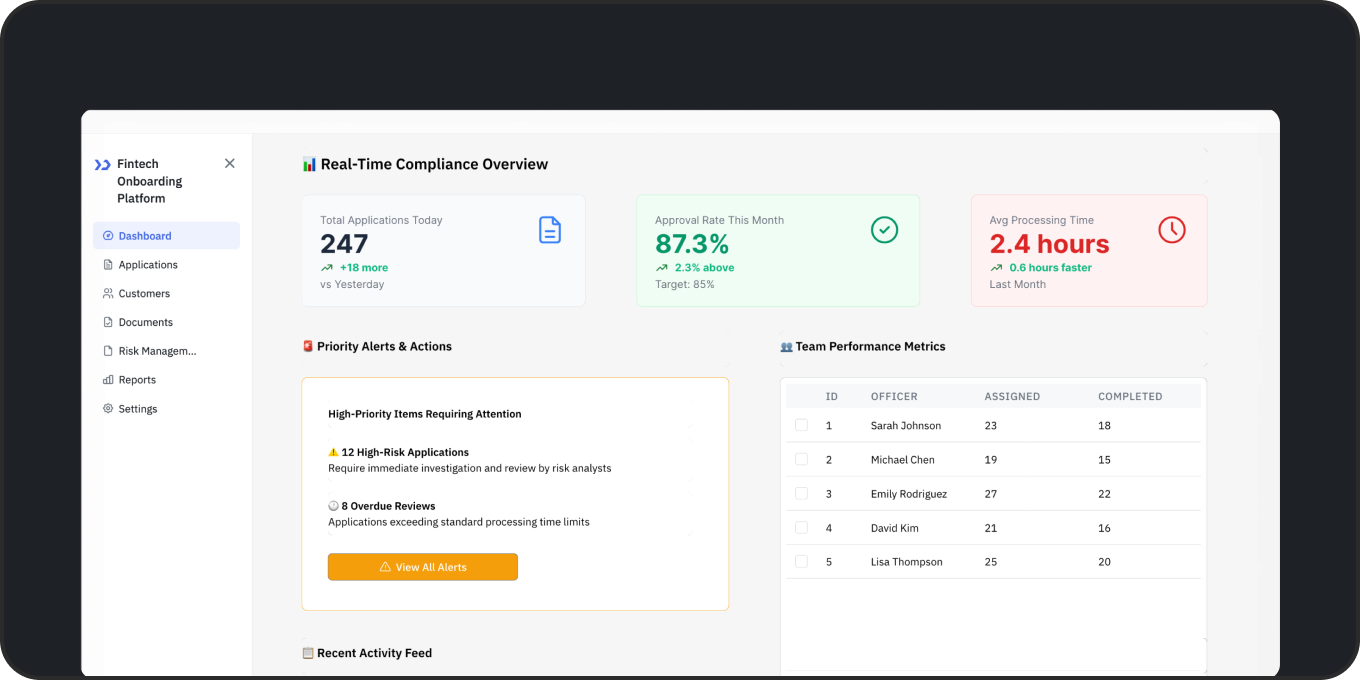
Build a customer onboarding software in minutes
Why enterprises choose ToolJet

Faster speed to market

Enterprise-grade security

Seamless integrations

Enterprise rollout in practice

Flexible deployment
Frequently asked questions

ToolJet fits teams building internal apps on business data who need AI generation, visual editing and centralized governance. Choose ToolJet Cloud for a hosted platform, or Self-hosted for control over your infrastructure. Team includes SSO, audit logs and GitSync; Enterprise adds SCIM and builder BYOK. Customer-hosted AI gateways and air-gapped operation require Self-hosted Enterprise add-ons. Review generated queries, permissions and releases before production use.
Navitas reports 31 internal applications delivered in 60 days with one application builder and no traditional developers. MGID reports 20 active applications across its ad-tech operations. These published customer stories describe specific deployments and outcomes; they are not promises of the same result for every team.
ToolJet AI generates multi-page internal apps connected to your databases and APIs. Refine the result in the visual builder, review queries and permissions, and test it before releasing it to users. AI generation accelerates the build; your team still owns validation and deployment.
No. You can build using natural language or visual tools. Developers can extend functionality with code.
ToolJet protects data-source credentials with AES-256-GCM encryption and supports granular access controls. SSO, audit logs and Git sync are included on Team; Enterprise adds SCIM and other governance options. Self-host the platform when you need deployment control. ToolJet holds SOC 2 and ISO 27001 certifications; generated apps still need your security review.
Yes. Connect through 100+ integrations, including PostgreSQL, BigQuery, Salesforce and REST APIs. Add JavaScript or Python queries and custom components where needed; custom connectors are available on Self-hosted deployments. Scope connected credentials to the data and actions each app requires.
Yes. The MIT-licensed ToolJet MCP server lets coding agents compose native ToolJet pages, queries, components and events on Cloud or Self-hosted. Open the resulting app in the visual builder to refine it. MCP builds use your coding agent's model usage rather than ToolJet AI credits; platform plan costs still apply.
GPT-6 Luna is available for app generation on the Free plan. Claude Haiku 5.5 requires a paid plan. Haiku 5.5 is another low-cost option: estimated AI usage for a four-page app is about $0.20 to $0.40. Actual usage depends on the app, model and follow-up edits. These figures exclude subscription and hosting costs.
Yes, with the Self-hosted Enterprise AI gateway add-on and a supported model running on your infrastructure. Builder BYOK is available on Enterprise plans for both Cloud and Self-hosted. An external model provider still receives AI requests when you use its API key; BYOK alone does not make AI fully local.
ToolJet's AI app builder generates the application interface and its data queries. On Self-hosted deployments with Workflows enabled, coding agents connected through ToolJet MCP can also generate and edit workflow drafts, validate them, and run them when explicitly requested. Workflows orchestrate scheduled, webhook-triggered and app-triggered processes; Agent Builder adds AI agent nodes. Workflows and Agent Builder are not available on ToolJet Cloud. Review the draft and connected permissions before execution.
Start building internal apps with ToolJet today